

News

Miro: A New Standard in Responsible Innovation

Miro: A New Standard in Responsible Innovation The Miro monitor arm is setting new benchmarks in sustainability. It offers a high-performance solution without compromising on environmental responsibility. Designed with careful material selection, local sourcing, and longevity in mind, Miro’s responsible approach to design and unique manoeuvrability set it apart from the competition. Sustainable Choices Miro is crafted from energy-efficient materials with a lower carbon impact....

Read more
HSE Advisor

Role Purpose Support in the development, implementation and maintenance of the company’s Health, Safety & Environmental policies, processes, operational procedures, and standards.  Ensuring best practice and championing a continually improving HSE culture within the business. Key Responsibilities Liaise with and provide support to all areas of the business to eliminate, mitigate or reduce identified HSE exposures. Partner with the production management team and team leaders,...

Read more
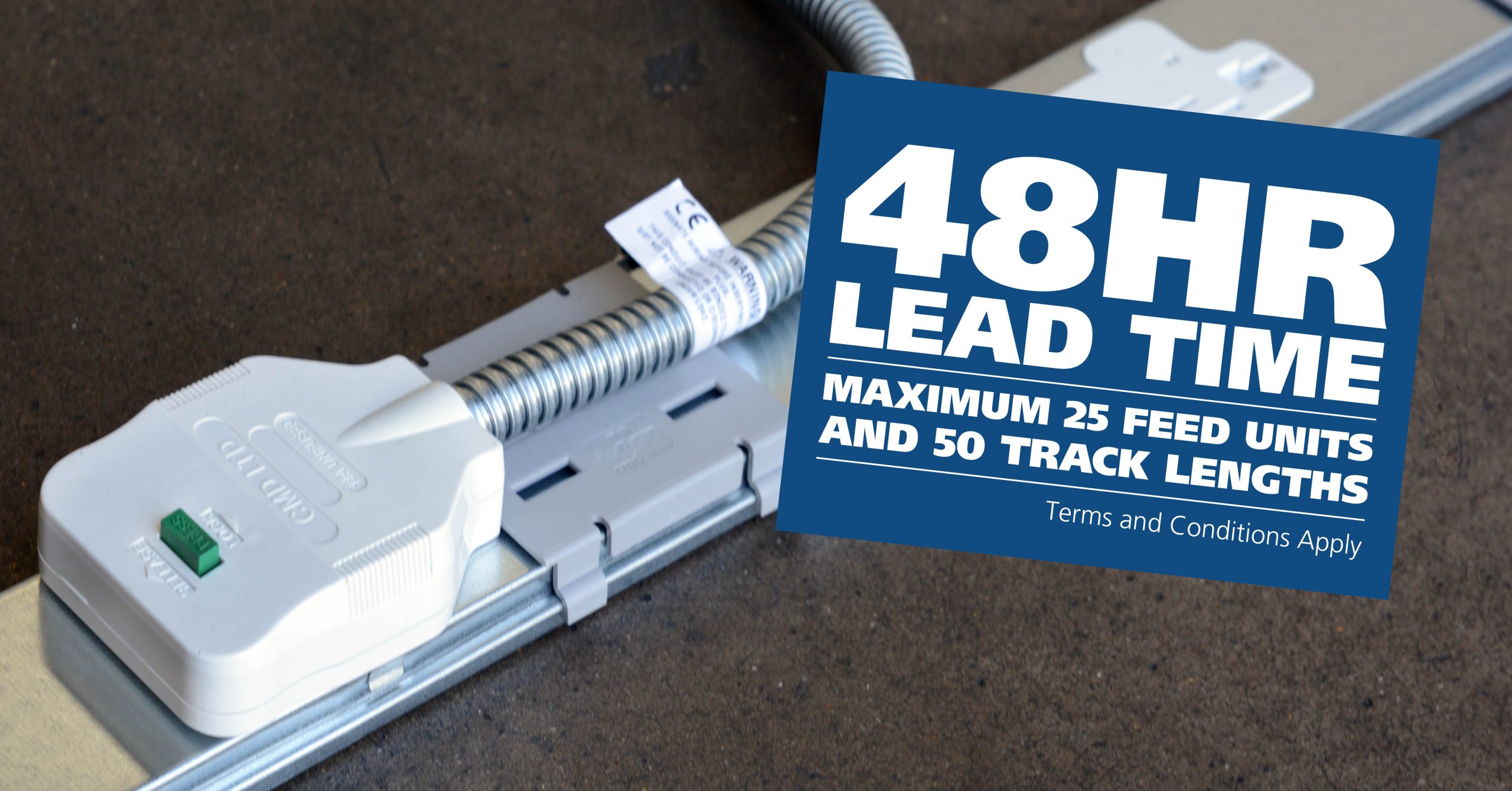
CMD Ltd LAUNCHES 48-HOUR TURNAROUND ON BETATRAK® RAPID ORDERING SERVICE

CMD Ltd, the specialist in power distribution systems, workstation power and monitor arms, has launched a rapid ordering service for its Betatrak® underfloor powertrack distribution systems and accessories, with a commitment to delivering within 48-hours of an approved purchase order*. The service enables customers to order up to 50 lengths of Standard or Clean Earth (C/E) low noise Betatrak, along with up to 25 feed...

Read more
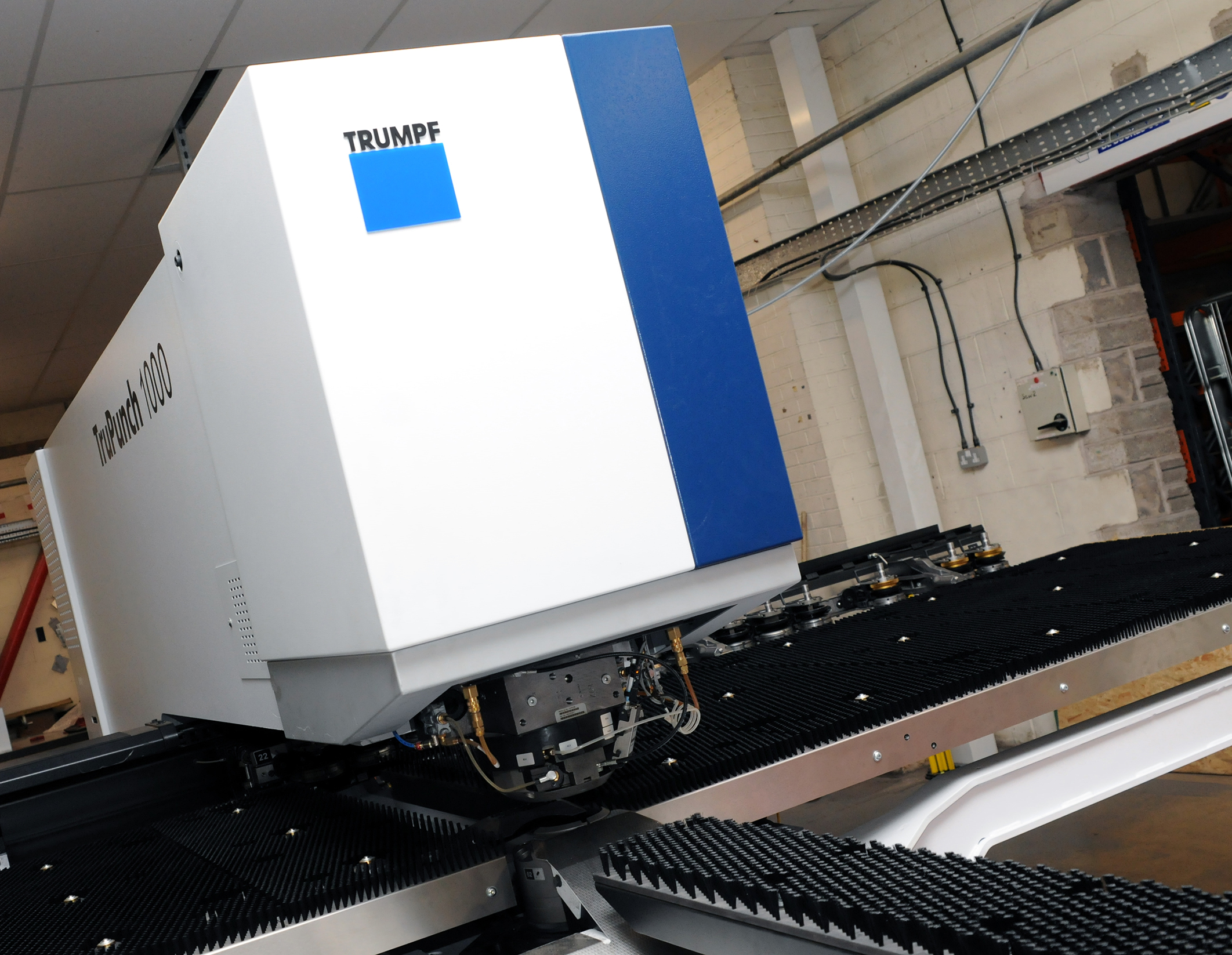
CMD INVESTS £1/4 MILLION IN NEW MACHINE AS PART OF FACTORY UPGRADE

We have invested in a new £1/4m TRUMPF CNC metal punch as part of an asset renewal strategy for our UK manufacturing capability. The new machine will be used in the production of a wide variety of our power distribution systems and workstation power products at our Rotherham factory. Suitable for handling sheet metal between 0.9mm and 3.0mm thick, the new machine will replace one...

Read more
CMD CATALOGUE PROVIDES TECHNICAL POWER DISTRIBUTION GUIDE

CMD Ltd has released a new catalogue, providing an easy to follow technical guide to our power distribution systems and plug and play desk modules. Detailing CMD’s full range of UK-manufactured power distribution systems and plug and play desk modules, the catalogue will be a helpful source of information to M&E engineers and contractors alike to understand how our power distribution systems connect together and...

Read more
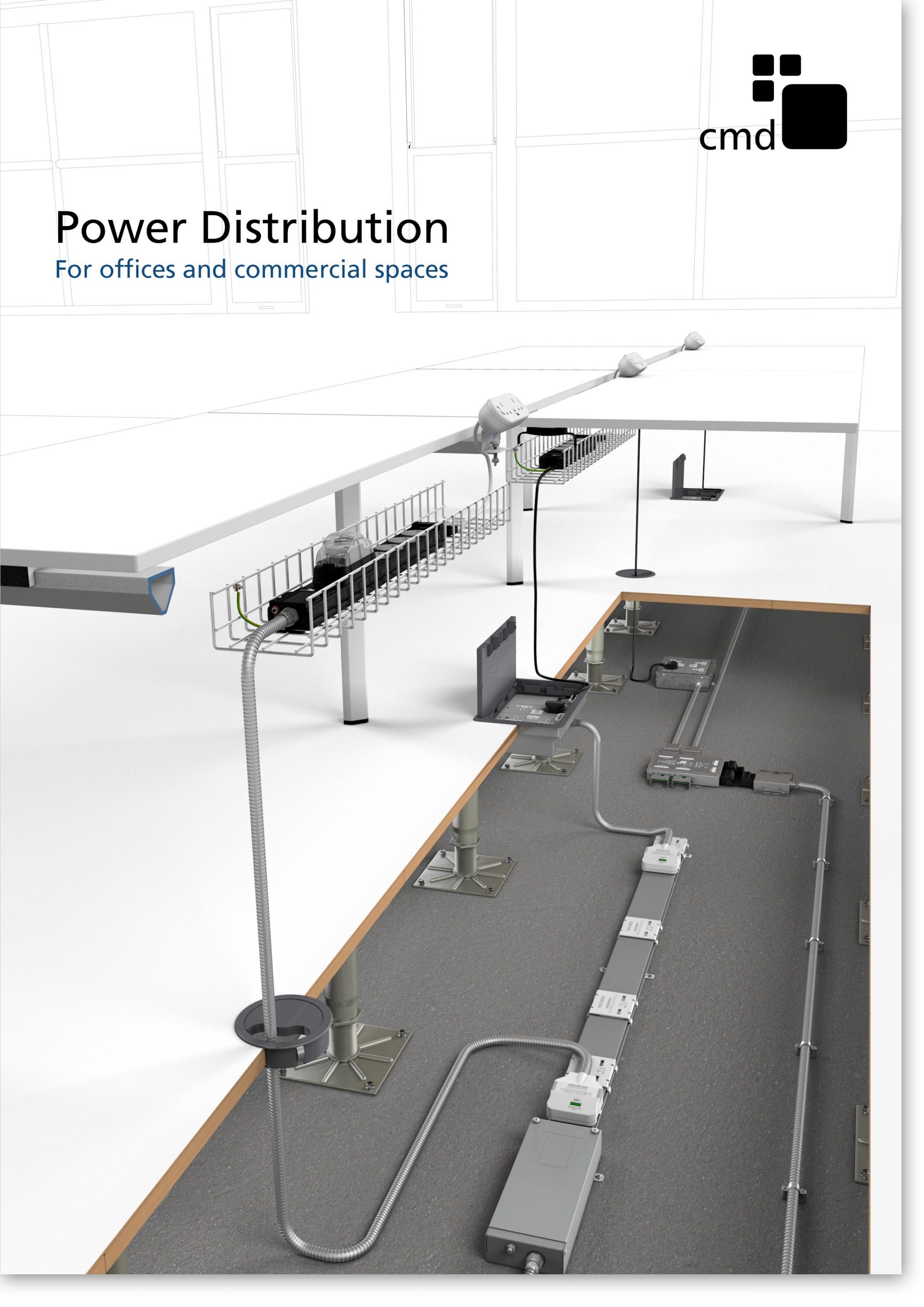
Power Distribution Catalogue
CMD Ltd PLAYS ESSENTIAL ROLE IN ELECTRICAL FIT OUT AT LONDON’S PRESTIGIOUS OFFICE DEVELOPMENT

CMD Ltd, specialist in workplace connectivity and ergonomic solutions, has provided a flexible and high-quality power distribution network for The Ray, a prestigious office development in London’s Farringdon. Well-known for being the former site of The Guardian newspaper, The Ray now stands as an 83,000ft² office development characterised by a modernised warehouse aesthetic, with level two now occupied by a global social media company. The...

Read more

The Ray
CMD plugs in to european opportunity with Schuko Capsule unit launch

CMD Ltd, the specialist in power and connectivity solutions for commercial environments, has launched a Schuko version of its popular fixed format Capsule workstation power module for export to mainland Europe and beyond. A popular on desk power module comprising two sockets and dual USB (type A and C) chargers, CMD’s Capsule unit is already widely specified in the UK as an off-the-shelf workstation power...

Read more
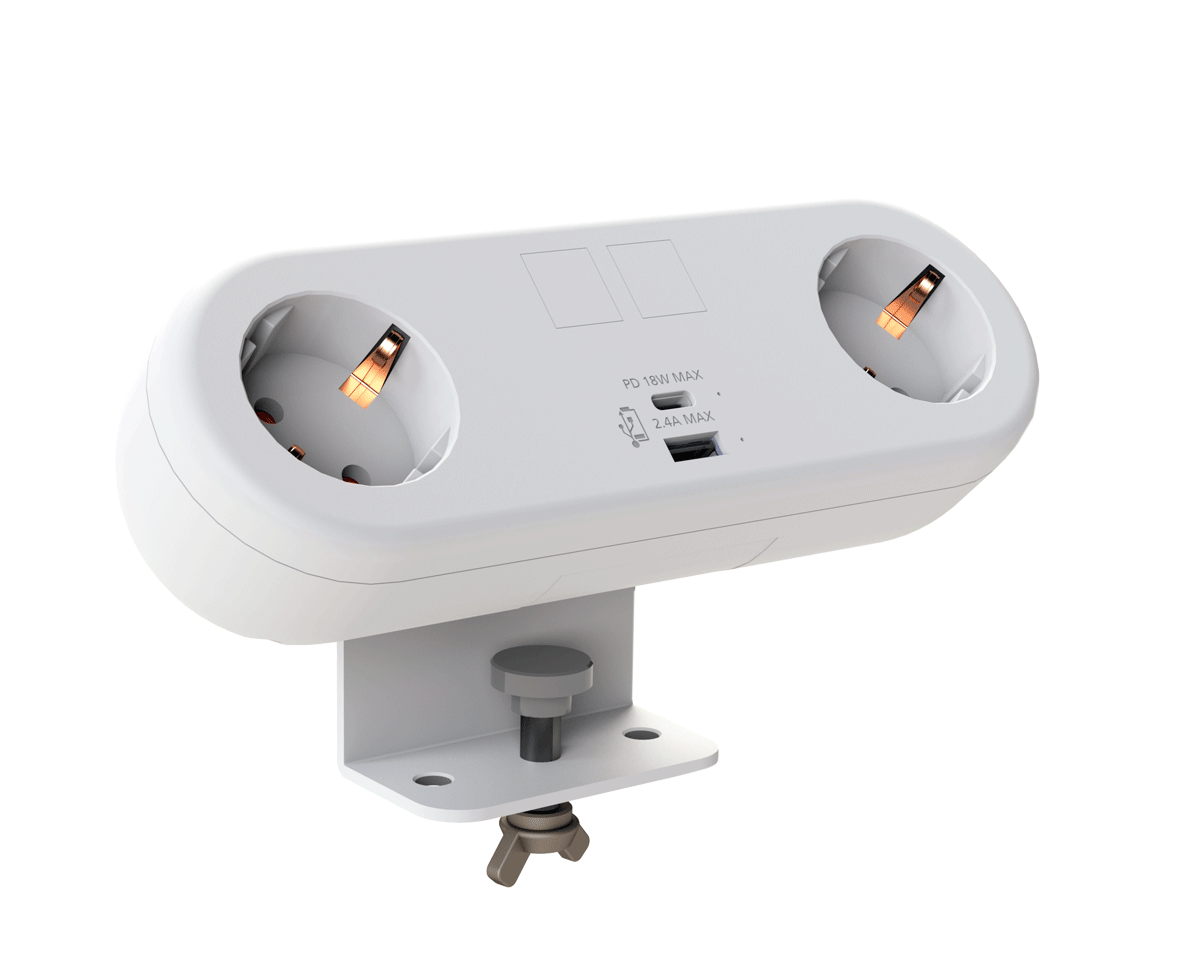
CMD White Schuko Capsule Desk Power Module
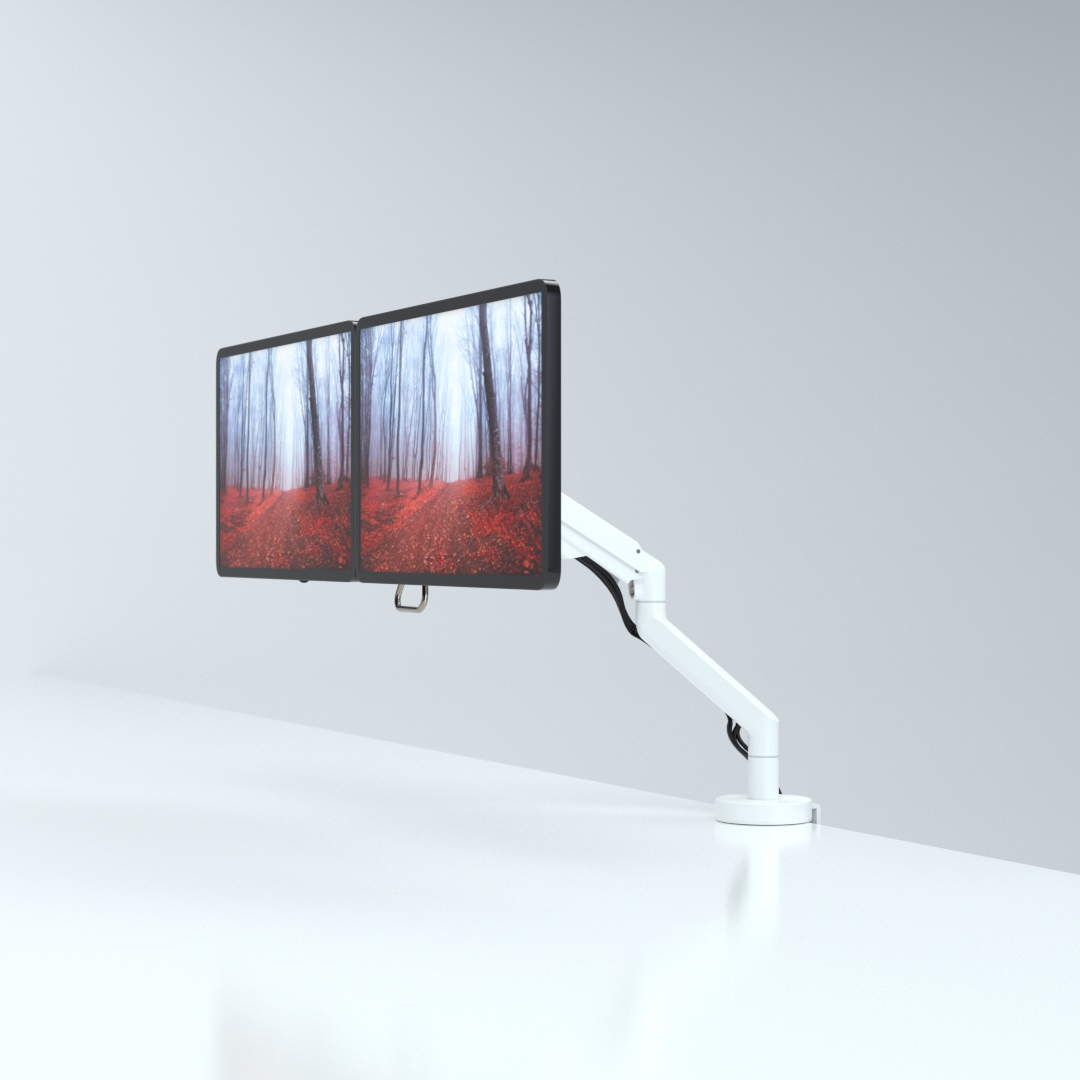
CMD LTD EXTENDS MONITOR ARM RANGE WITH THE LAUNCH OF REACH PLUS

CMD Ltd, the specialist in ergonomic and connectivity solutions for commercial interiors, has completed its Reach monitor arm range with the launch of the Reach Plus. Available in single or dual screen options, the Reach Plus has been designed to provide an ideal solution for both single and dual screen workstation configurations, or can be used with next generation of large format curved screens. Suitable...

Read more
CMD Ltd DEMONSTRATES THE ART OF POWER DISTRIBUTION AT THE UNIVERSITY OF WARWICK

CMD Ltd, the specialist in workplace connectivity and ergonomic solutions, has provided Betatrak busbar power distribution and a range of electrical accessories for two major capital investment projects at the University of Warwick. Designed by Fielden Clegg Bradley Studios, the £33 million Faculty of Arts building is a showpiece development comprising four interconnected structures set around a central atrium, which will enable inter-disciplinary collaboration across...

Read more

University of Warwick
CMD BRINGS HARMONY TO COVENTRY UNIVERSITY RESEARCH FACILITIES

CMD Ltd, the specialist in power distribution solutions and workstation power and ergonomics, has provided under desk and on desk power modules for the refurbishment of three Coventry University research buildings. Located on Coventry University Technology Park, a business park designed to encourage collaboration between the university and knowledge-based businesses, the three buildings are being repurposed as office accommodation for university research teams. The refurbishment...

Read more

Coventry University

What Are the Top MPO Cable Types in 2026?

Data-center links are moving toward higher speeds, denser fiber paths, and tighter installation windows. The Ethernet Alliance’s 2024 Ethernet Roadmap tracks the industry’s progression through 400GbE and 800GbE, with work toward 1.6TbE. That evolution makes MPO Cable selection more than a connector decision: fiber count, polarity, fiber mode, and transceiver compatibility all matter.

Industry reports offer useful context, but they do not replace a port-by-port design review. Uptime Institute’s 2024 Global Data Center Survey describes power and capacity constraints facing operators. Those pressures can make rack space and cable routing especially important. LightCounting’s optical-transceiver market analysis also follows the shift toward faster data-center optics. Still, neither report tells a buyer whether an MPO-12 trunk or MPO-16 assembly will fit a particular deployment. Check the equipment documentation.

This guide compares common MPO cable types, including multimode and single-mode assemblies, trunk cables, and breakout harnesses. It also explains connector pinning, polarity, and end-face choices, which are easy to overlook on a busy installation day. MPO-12 remains widely used, while MPO-16 can support interfaces designed for 16 fibers; neither is universally best. Small details matter. A polished connector, matching transceiver, and verified polarity can prevent costly rework. The awkward truth is that catalog labels sometimes hide meaningful differences. Treat compatibility claims as a starting point, then verify them against the link design and applicable standards.

What Are the Top MPO Cable Types in 2026?

How MPO Cables Are Classified by Fiber Count and Fiber Mode

MPO cables are classified by both fiber count and fiber mode. The count describes the fibers inside the cable, not always the number carrying traffic. MPO-12, MPO-16, MPO-24, and MPO-32 assemblies are common options. Yet an MPO-12 link may use only eight fibers, leaving four positions dark. That matters.

IEEE 802.3cm specifies 400GBASE-SR8 with 16 fibers: eight transmit and eight receive. Its 400GBASE-SR4.2 specification uses eight fibers. These examples show why port speed alone cannot determine the right MPO count. The Ethernet Alliance’s 2024 Ethernet Roadmap tracks 400GbE and 800GbE technologies, reinforcing the need to check each transceiver’s fiber map before ordering. Small mismatches can leave a link unusable.

Mode is a separate choice. Multimode OM4 or OM5 is commonly used for short-reach links inside data centers; single-mode OS2 supports longer-reach applications. IEEE 802.3cm specifies up to 100 meters for 400GBASE-SR8 over OM4. A cable’s mode, connector polarity, and active-fiber layout must all match the optics. The label alone can mislead. Even experienced teams sometimes focus on fiber count and overlook polarity, so verify the complete link design against the applicable IEEE specification.

What Are the Top MPO Cable Types in 2026? – How MPO Cables Are Classified by Fiber Count and Fiber Mode

MPO cables are commonly specified by the number of fibers in the assembly and by fiber mode. The counts below describe cable or connector configurations; high-count trunks may use multiple MPO connectors rather than one large ferrule.

Fiber count Typical MPO configuration Fiber mode options Common use Selection notes
8 fibers MPO-8 or an 8-fiber array within a larger-format assembly OS2 single-mode; OM3 or OM4 multimode Parallel-optics links using four transmit and four receive fibers, where supported by the transceiver Confirm the transceiver’s fiber count and polarity; some 8-fiber links use a 12-fiber MPO interface with unused positions.
12 fibers MPO-12, typically one row of 12 positions across two rows OS2; OM3; OM4; OM5 Common backbone and data-center links; frequently used in legacy parallel multimode deployments A 12-fiber connector can serve an 8-fiber application, leaving some positions unused. Check the pinning and polarity scheme.
16 fibers MPO-16, commonly arranged as two rows of eight OS2; OM4; OM5 Higher-density parallel links, including applications designed for 16-fiber transceiver interfaces Match the connector format to the equipment; MPO-16 is not interchangeable with MPO-12 without compatible hardware.
24 fibers MPO-24, commonly two rows of 12 OS2; OM3; OM4; OM5 High-density trunk cabling and structured cabling between panels, cassettes, and equipment Useful where more fibers are needed per connector. Verify cassette compatibility and the required breakout arrangement.
32 fibers MPO-32, commonly two rows of 16 OS2; OM4; OM5 High-density parallel-optics connections and trunk architectures requiring 32 positions Confirm that ports, adapters, and patching components support the same MPO position count.
48 fibers MPO-48 or a trunk built from multiple MPO arrays OS2; OM4; OM5 Backbone trunks and high-density connections between distribution points The total cable count may be distributed over multiple connectors; check the assembly drawing rather than assuming one ferrule.
64 fibers MPO-64 or a multi-array trunk configuration OS2; OM4; OM5 High-capacity data-center backbone cabling and modular cross-connect systems Specify total fiber count, connector count, breakout layout, and polarity at both ends.
72 or 96 fibers Usually a multi-array MPO trunk rather than a single standard MPO ferrule OS2; OM4; OM5 Large-capacity backbone links and pre-terminated modular cabling Document the number and type of MPO connectors, plus the mapping between ends, for correct installation and testing.
144 fibers Typically a trunk cable containing multiple MPO connectors or breakout branches OS2; OM4; OM5 Very high-density backbone cabling in data centers and enterprise networks Treat 144 as the cable’s total fiber count, not necessarily the fiber count of one MPO connector. Confirm routing, labeling, and test records.

Fiber-mode guide: OS2 is single-mode fiber. OM3, OM4, and OM5 are multimode fiber grades; OM4 and OM5 are common choices for newer multimode links, while OM3 may remain in existing installations. Fiber mode, connector format, polarity, and transceiver requirements must all match end to end.

MPO Trunk Cables for High-Density Backbone Links

What Are the Top MPO Cable Types in 2026?

MPO Trunk Cables for High-Density Backbone Links

MPO trunk cables connect backbone equipment through compact, multi-fiber connectors. They can reduce cable bulk between racks and patch panels, where space matters. Common builds use 8, 12, or 16 fibers, with OM4 multimode or OS2 single-mode fiber selected for the link’s distance and optics. Choose the fiber type to match the transceivers, not just the route.

Uptime Institute’s 2024 Global Data Center Survey reported that 45% of respondents had peak rack densities above 10 kW. That growing concentration of equipment makes clear routing and service access important. A trunk with the wrong polarity, connector gender, or fiber count can delay installation, even when the cable fits perfectly. Check both ends. Verify the link design and connector pinout before ordering, and specify insertion-loss limits for the complete channel.

MPO Breakout and Harness Cables for Equipment Connections

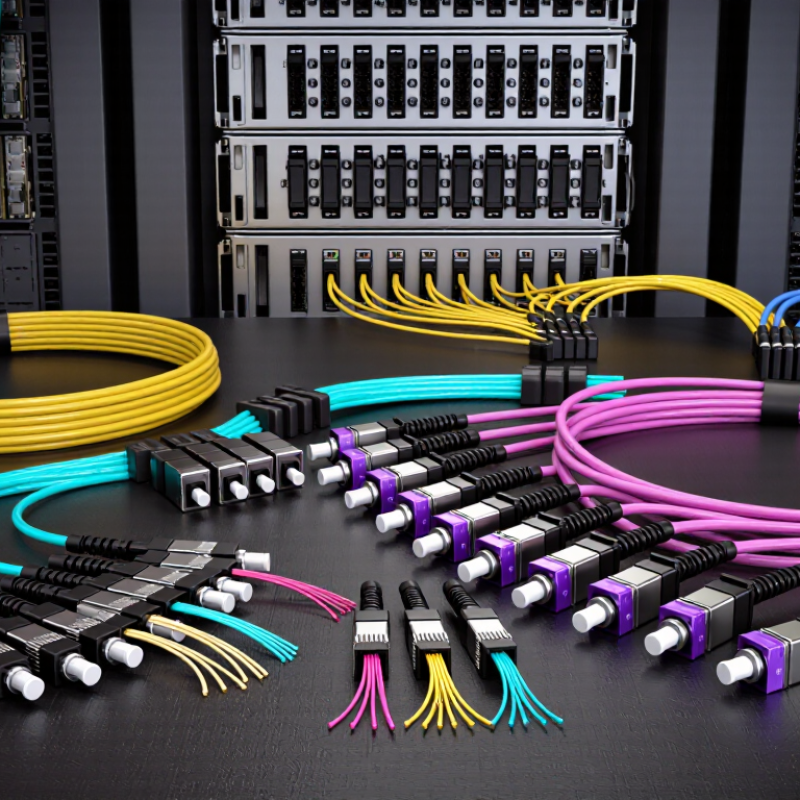
MPO breakout and harness cables connect high-density fiber trunks to equipment ports without filling racks with separate patch leads. A typical MPO-LC breakout cable carries one MPO connector at the trunk end and individual LC connectors at the equipment end. MPO-to-MPO harness cables can link parallel-optics ports directly, when connector type, fiber count, and polarity match. That match matters. A cable may fit physically yet route transmit and receive signals incorrectly. Short fanout legs also need enough slack to reach ports without pulling on connectors.

For 2026 equipment layouts, choose the cable type around the transceiver interface and the intended path through the rack. Check whether the device uses duplex links or parallel lanes, and confirm the required polarity with the network design. Cable length, jacket type, and bend radius affect installation, especially around dense switch shelves. Keep fanout legs labeled and separated; tangled legs slow moves and troubleshooting. Clean connector endfaces before mating, then verify continuity and insertion loss with suitable test equipment. A test report helps, but it does not replace checking the actual port map. It is easy to overlook. In practice, documentation can also be imperfect, so confirm the connection plan before ordering.

MPO Conversion and Patch Cables for Specialized Network Paths

In 2026, MPO conversion and patch cables help connect equipment that uses different connector formats or fiber counts. A conversion harness can break an MPO trunk into duplex LC connections for switches, panels, or transceivers. This arrangement keeps long backbone runs compact while making individual device links easier to manage. It is especially useful in data halls where overhead trays are crowded and each cable route has limited space.

Small details matter. Match the cable’s fiber count and polarity to the installed equipment, then check connector gender and key orientation before ordering. A mismatch may leave links dark even when the connectors appear to fit. For higher-speed paths, confirm that the transceiver architecture supports the chosen MPO configuration; connector shape alone does not guarantee compatibility. Also consider insertion loss, cable length, and bend radius around cabinet doors. Test both ends. A clean test result is reassuring, but labels and pathway records still need attention. In practice, cable schedules can drift as networks change, so verify the live route rather than trusting an old drawing. That extra check can feel fussy. It often prevents a difficult fault search later.

How to Match MPO Cable Types to 2026 Network Requirements

Matching MPO cable types to 2026 network requirements starts with the transceivers, not the cable catalog. For 400G or 800G parallel-optics links, check the required fiber count, mode, and connector interface in the equipment specifications. Multimode OM4 may suit shorter data-center runs; single-mode OS2 is often chosen for longer reach. Verify the reach and loss budget for the actual link. Small details matter.

Tips: Confirm MPO polarity, key orientation, and pin configuration at both ends. A trunk cable suits direct connections between panels, while a breakout harness connects an MPO port to separate duplex links. For cassette-based designs, check that the cassette matches the intended fiber mapping. Label each end before installation.

Leave room for growth, but avoid buying higher-count assemblies without a clear port plan. More fibers can support future upgrades, yet unused fibers and mismatched polarity create troubleshooting work. I have seen a link fail over a small mapping assumption, even when the cable itself tested well. Keep the selected fiber type, connector gender, and polarity consistent with the transceiver and patching layout; then inspect and test the installed channel.

MPO Cable Types: Fiber Count and Typical Fit in 2026

Compare common MPO array sizes by nominal fiber positions. Select a cable to match the transceiver interface and link design; fiber count alone does not determine link speed or performance.

Planning note: MPO-8 and MPO-16 are common choices for parallel-optics links; MPO-12 is used in established 8-fiber-per-link designs and trunking; MPO-24 and MPO-32 can support higher-density cabling. Confirm the optic’s connector interface, polarity, and fiber mapping before ordering.