
News

Miro: A New Standard in Responsible Innovation

Miro: A New Standard in Responsible Innovation The Miro monitor arm is setting new benchmarks in sustainability. It offers a high-performance solution without compromising on environmental responsibility. Designed with careful material selection, local sourcing, and longevity in mind, Miro’s responsible approach to design and unique manoeuvrability set it apart from the competition. Sustainable Choices Miro is crafted from energy-efficient materials with a lower carbon impact....

Read more
HSE Advisor

Role Purpose Support in the development, implementation and maintenance of the company’s Health, Safety & Environmental policies, processes, operational procedures, and standards.  Ensuring best practice and championing a continually improving HSE culture within the business. Key Responsibilities Liaise with and provide support to all areas of the business to eliminate, mitigate or reduce identified HSE exposures. Partner with the production management team and team leaders,...

Read more
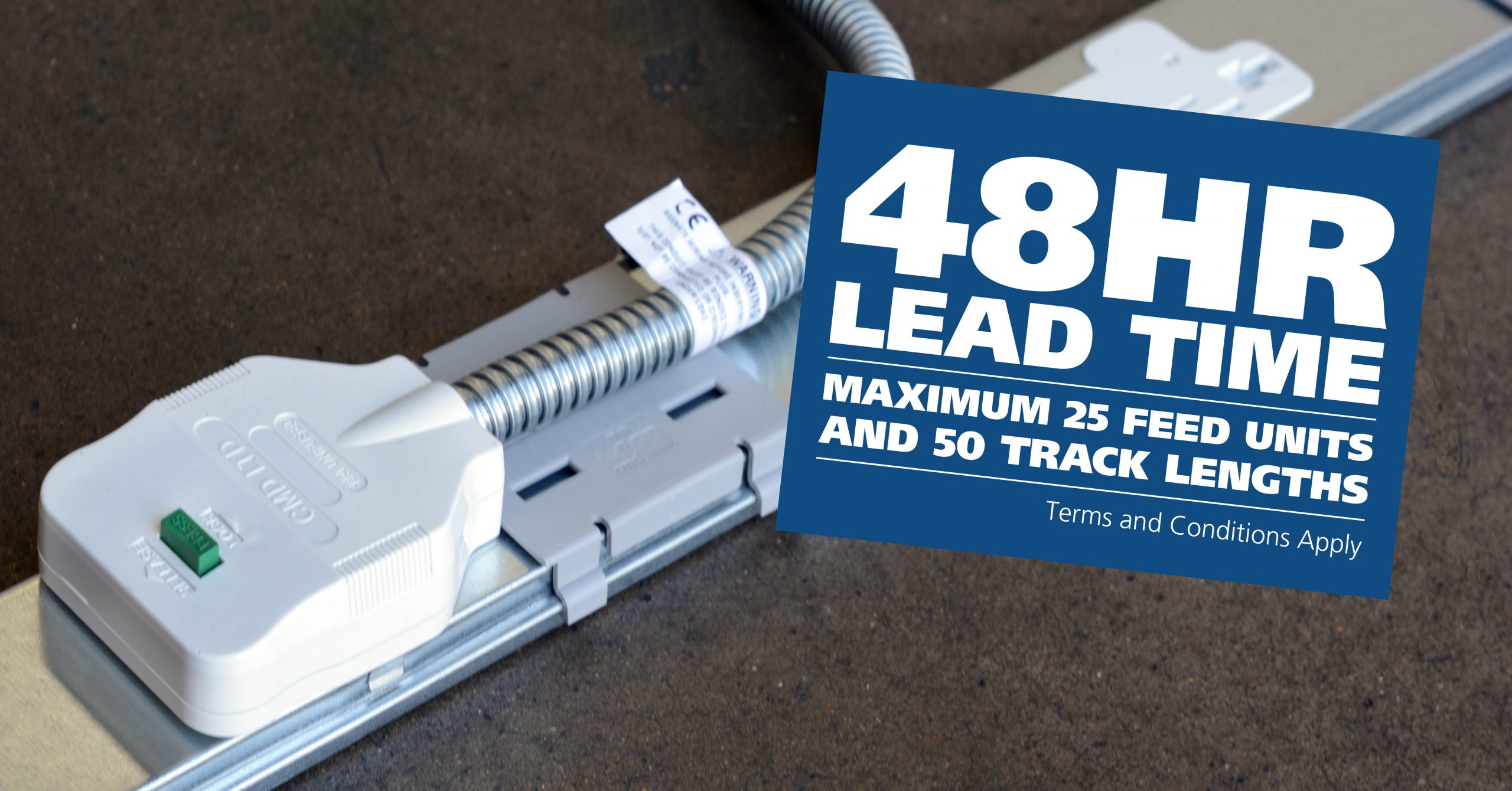
CMD Ltd LAUNCHES 48-HOUR TURNAROUND ON BETATRAK® RAPID ORDERING SERVICE

CMD Ltd, the specialist in power distribution systems, workstation power and monitor arms, has launched a rapid ordering service for its Betatrak® underfloor powertrack distribution systems and accessories, with a commitment to delivering within 48-hours of an approved purchase order*. The service enables customers to order up to 50 lengths of Standard or Clean Earth (C/E) low noise Betatrak, along with up to 25 feed...

Read more
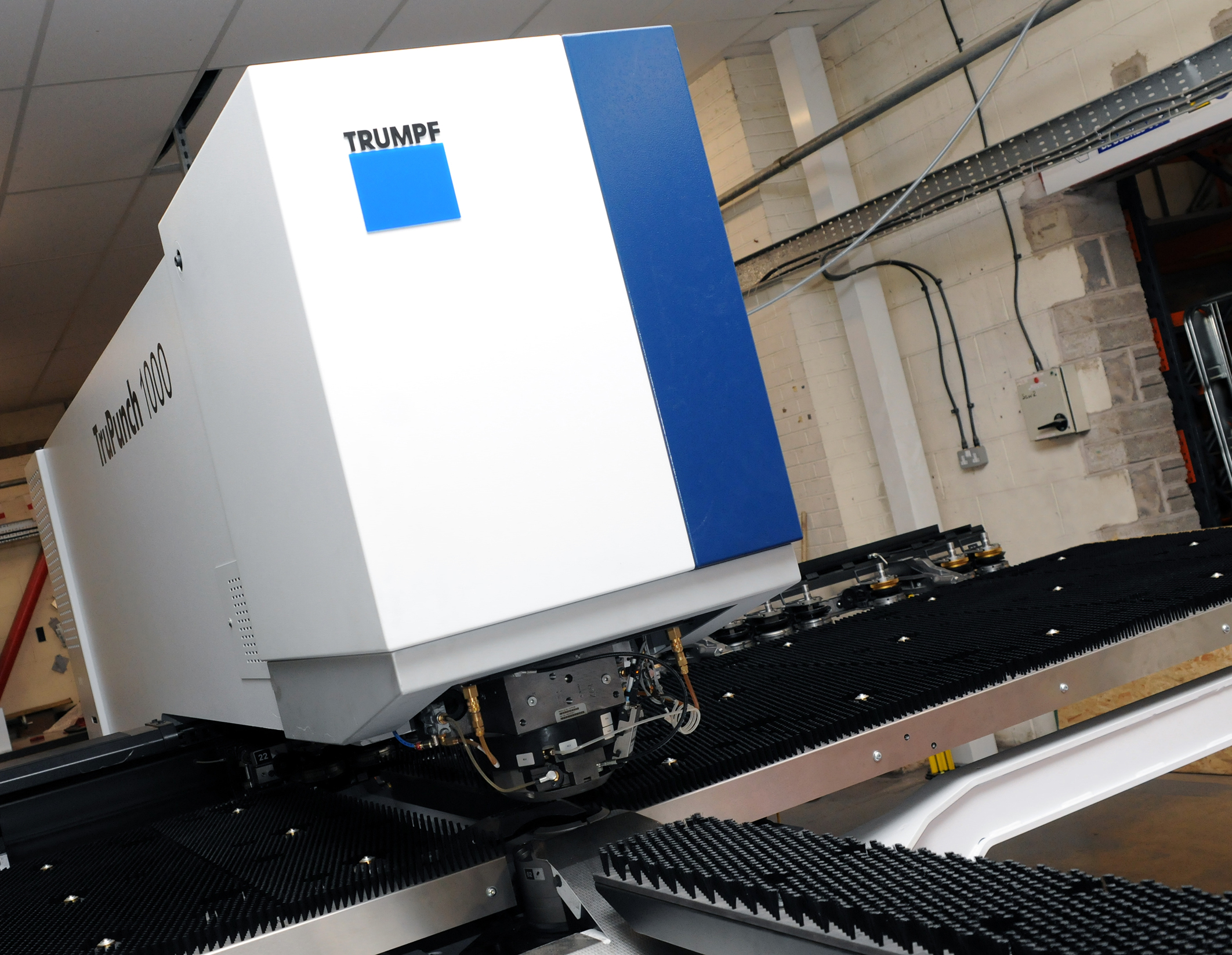
CMD INVESTS £1/4 MILLION IN NEW MACHINE AS PART OF FACTORY UPGRADE

We have invested in a new £1/4m TRUMPF CNC metal punch as part of an asset renewal strategy for our UK manufacturing capability. The new machine will be used in the production of a wide variety of our power distribution systems and workstation power products at our Rotherham factory. Suitable for handling sheet metal between 0.9mm and 3.0mm thick, the new machine will replace one...

Read more
CMD CATALOGUE PROVIDES TECHNICAL POWER DISTRIBUTION GUIDE

CMD Ltd has released a new catalogue, providing an easy to follow technical guide to our power distribution systems and plug and play desk modules. Detailing CMD’s full range of UK-manufactured power distribution systems and plug and play desk modules, the catalogue will be a helpful source of information to M&E engineers and contractors alike to understand how our power distribution systems connect together and...

Read more
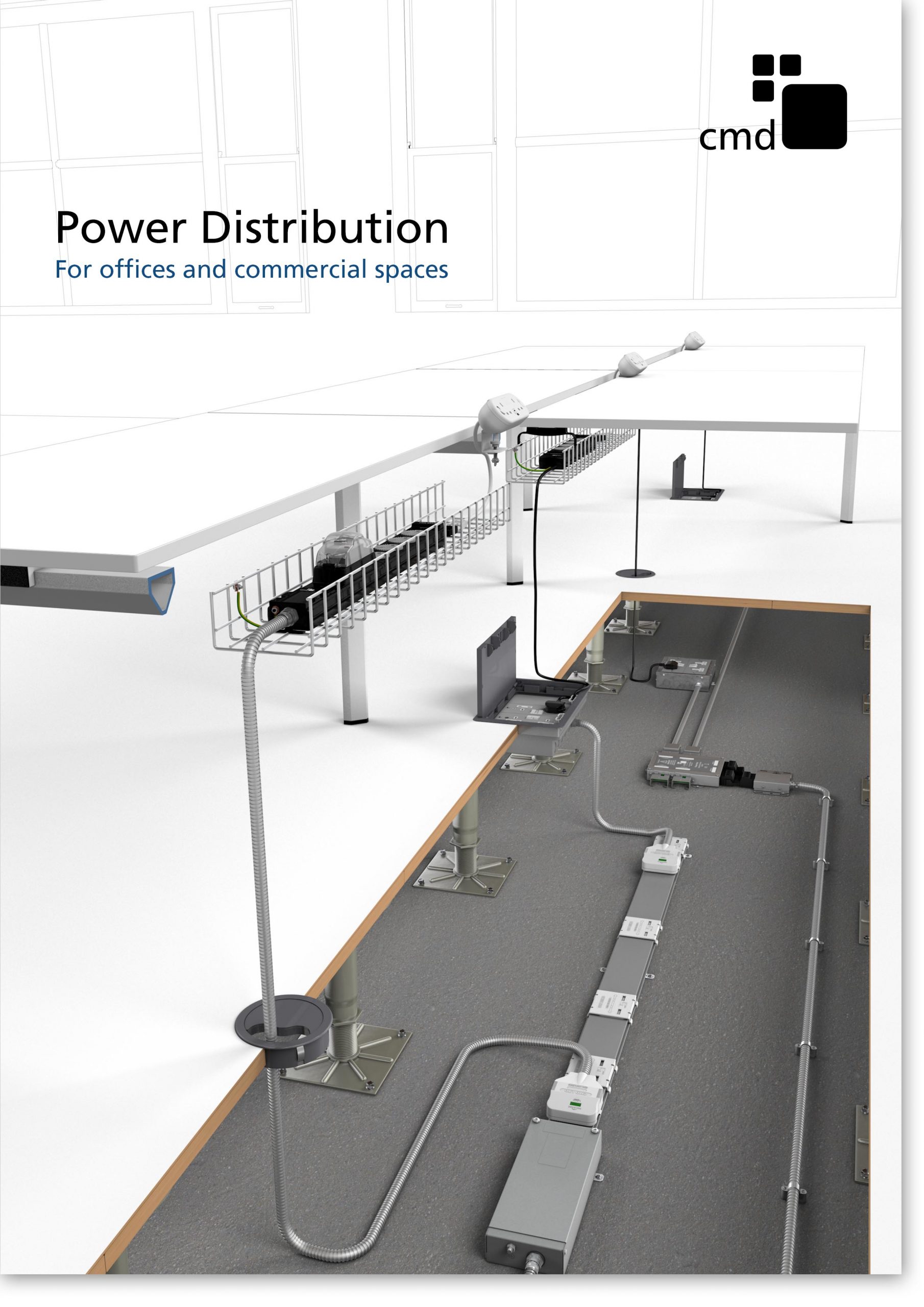
Power Distribution Catalogue
CMD Ltd PLAYS ESSENTIAL ROLE IN ELECTRICAL FIT OUT AT LONDON’S PRESTIGIOUS OFFICE DEVELOPMENT

CMD Ltd, specialist in workplace connectivity and ergonomic solutions, has provided a flexible and high-quality power distribution network for The Ray, a prestigious office development in London’s Farringdon. Well-known for being the former site of The Guardian newspaper, The Ray now stands as an 83,000ft² office development characterised by a modernised warehouse aesthetic, with level two now occupied by a global social media company. The...

Read more
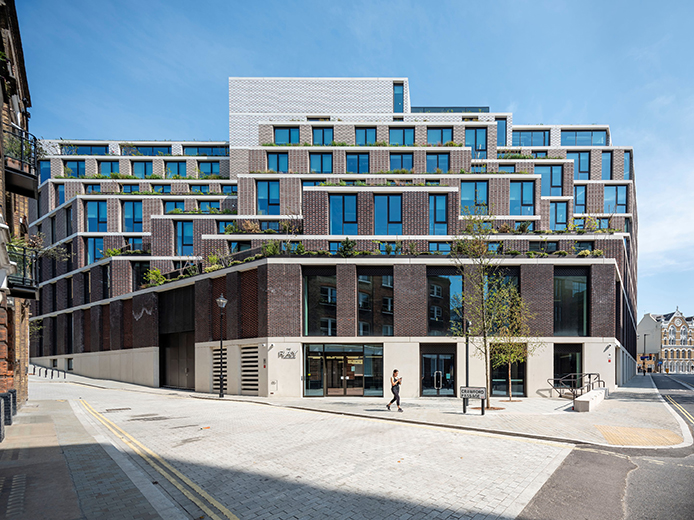
The Ray
CMD plugs in to european opportunity with Schuko Capsule unit launch

CMD Ltd, the specialist in power and connectivity solutions for commercial environments, has launched a Schuko version of its popular fixed format Capsule workstation power module for export to mainland Europe and beyond. A popular on desk power module comprising two sockets and dual USB (type A and C) chargers, CMD’s Capsule unit is already widely specified in the UK as an off-the-shelf workstation power...

Read more
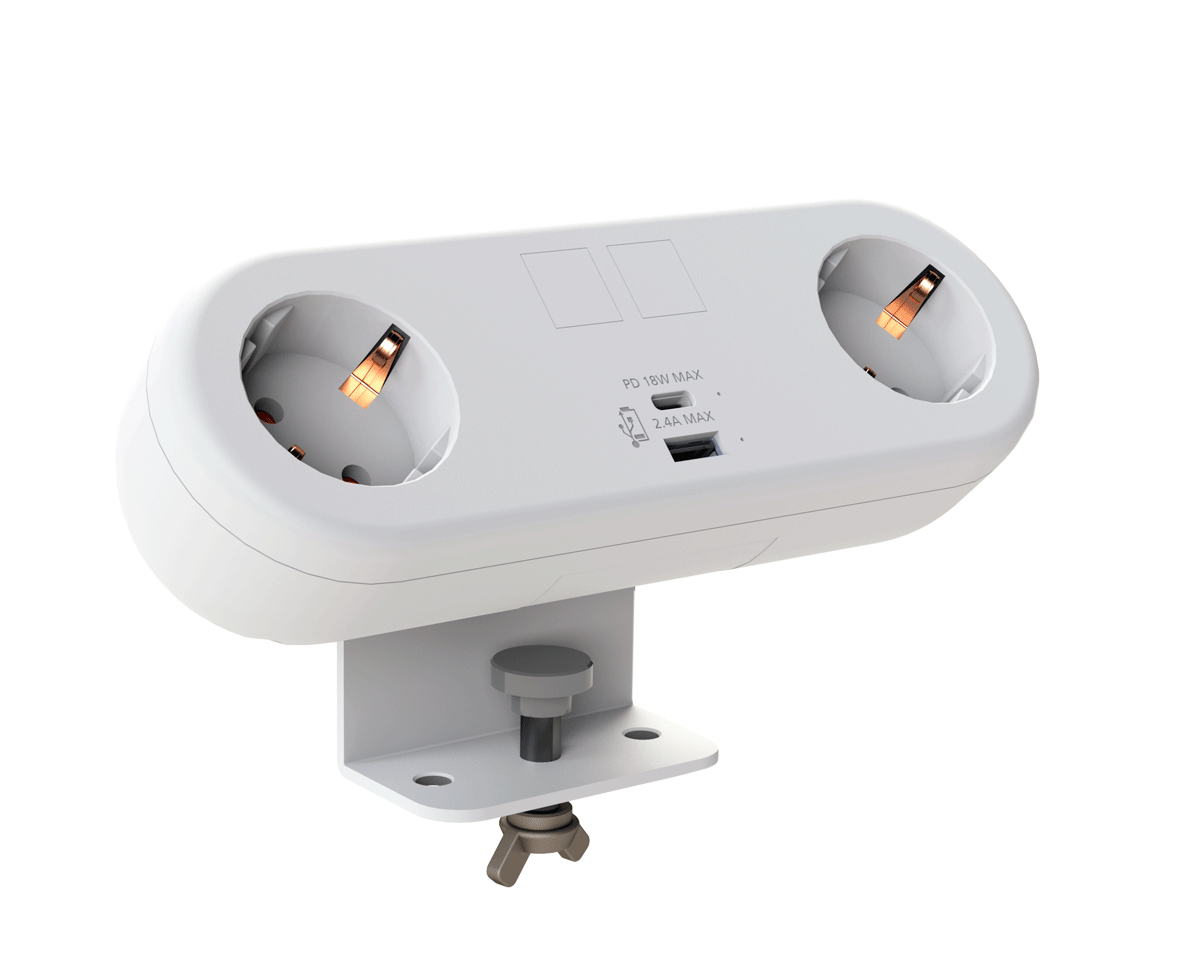
CMD White Schuko Capsule Desk Power Module
CMD LTD EXTENDS MONITOR ARM RANGE WITH THE LAUNCH OF REACH PLUS

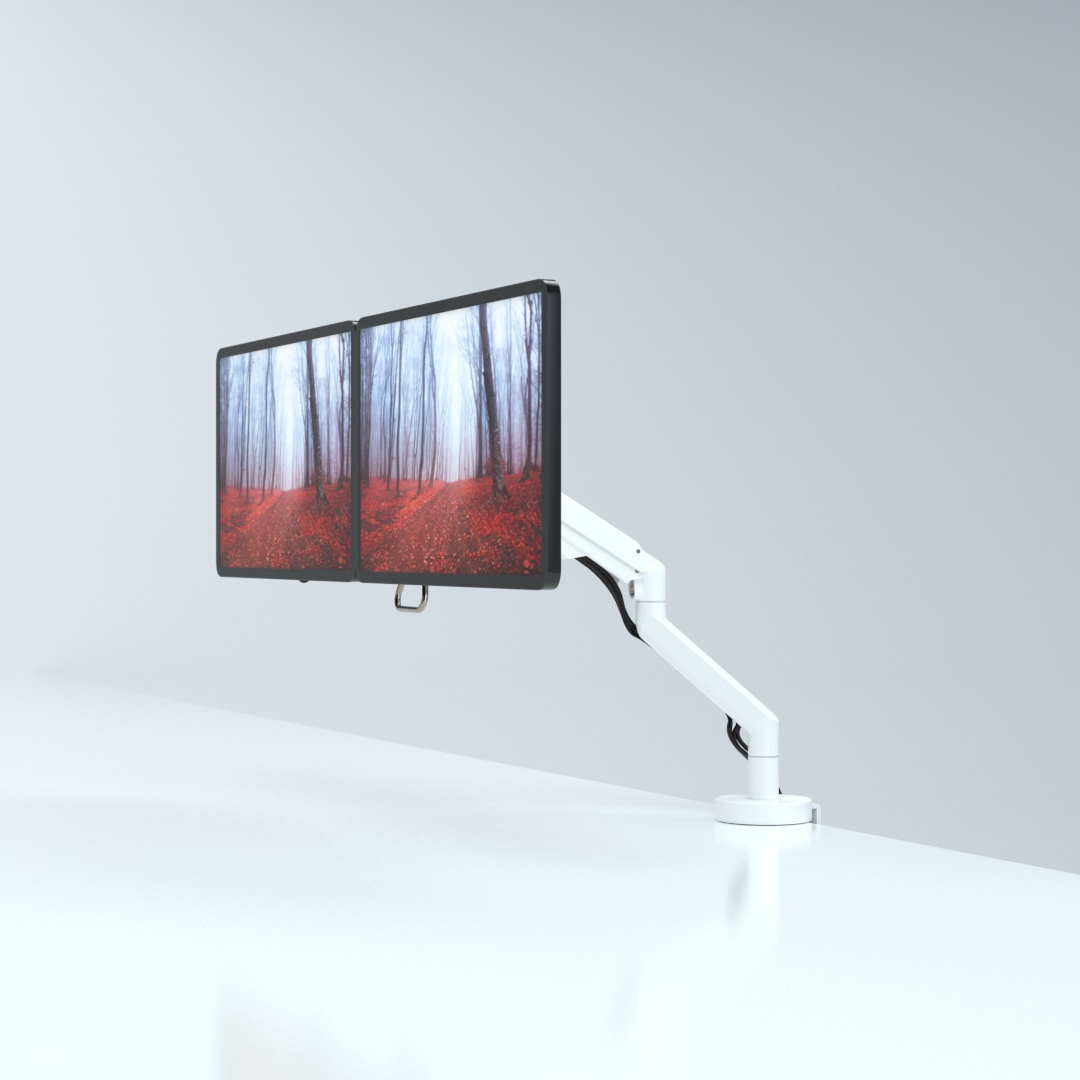
CMD Ltd, the specialist in ergonomic and connectivity solutions for commercial interiors, has completed its Reach monitor arm range with the launch of the Reach Plus. Available in single or dual screen options, the Reach Plus has been designed to provide an ideal solution for both single and dual screen workstation configurations, or can be used with next generation of large format curved screens. Suitable...

Read more
CMD Ltd DEMONSTRATES THE ART OF POWER DISTRIBUTION AT THE UNIVERSITY OF WARWICK

CMD Ltd, the specialist in workplace connectivity and ergonomic solutions, has provided Betatrak busbar power distribution and a range of electrical accessories for two major capital investment projects at the University of Warwick. Designed by Fielden Clegg Bradley Studios, the £33 million Faculty of Arts building is a showpiece development comprising four interconnected structures set around a central atrium, which will enable inter-disciplinary collaboration across...

Read more

University of Warwick
CMD BRINGS HARMONY TO COVENTRY UNIVERSITY RESEARCH FACILITIES

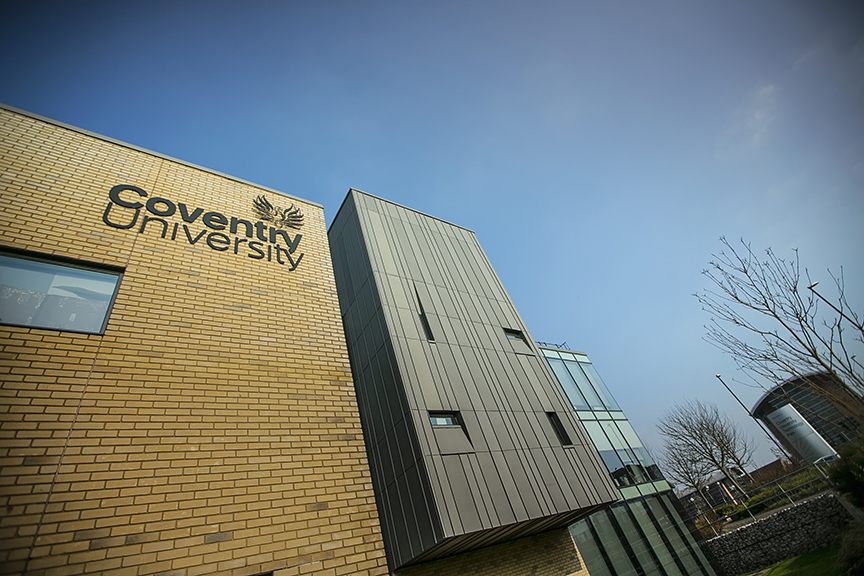
CMD Ltd, the specialist in power distribution solutions and workstation power and ergonomics, has provided under desk and on desk power modules for the refurbishment of three Coventry University research buildings. Located on Coventry University Technology Park, a business park designed to encourage collaboration between the university and knowledge-based businesses, the three buildings are being repurposed as office accommodation for university research teams. The refurbishment...

Read more
Coventry University

How to Extend Your Laptop Power Life: Tips and Tricks for Longevity

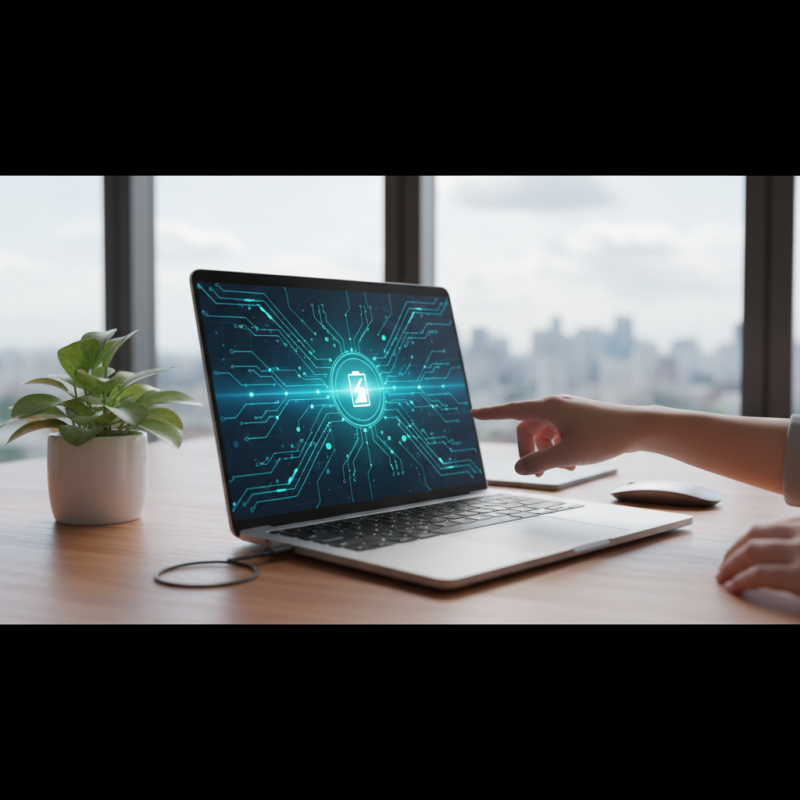
As modern technology continues to evolve, the reliance on laptops has become an integral part of both personal and professional life. According to a report by the International Data Corporation (IDC), nearly 50% of global consumers now depend on laptops as their primary computing devices, highlighting the importance of maintaining optimal laptop power for prolonged usage. With an increasing emphasis on mobile computing, understanding how to extend laptop power life has never been more crucial. Inefficient power management can not only lead to decreased productivity but also diminish the laptop's overall lifespan, as battery health deteriorates over time.

Research from Battery University indicates that a laptop battery's performance can degrade by up to 20% after just one year of regular use if not properly maintained. Consequently, implementing effective strategies to enhance battery longevity is essential for users wanting to maximize their investment. From adjusting power settings to employing smart charging practices, these tips can significantly prolong the life of your laptop power, enabling users to enjoy uninterrupted service and reliability. Embracing these techniques can lead to a more efficient and sustainable computing experience, benefiting both users and the environment alike.

How to Extend Your Laptop Power Life: Tips and Tricks for Longevity

Understanding Laptop Battery Basics and Lifespan Factors

When it comes to understanding laptop battery basics, it's essential to recognize that most modern laptops use lithium-ion batteries. These batteries are favored for their lightweight nature and ability to hold a significant charge. However, their lifespan is influenced by several crucial factors, such as charge cycles, temperature, and usage habits. Each time a battery goes through a full charge cycle—from 0% to 100%—it diminishes slightly in capacity. Therefore, managing charge cycles by keeping the battery between 20% and 80% can help prolong its overall lifespan.

Temperature is another critical factor affecting battery health. High temperatures can cause batteries to degrade faster, while extreme cold can lead to diminished performance. It's advisable to keep laptops in a moderate temperature range and avoid exposing them to direct sunlight or extreme cold conditions for extended periods. Additionally, usage habits, such as running demanding applications or maintaining high screen brightness, can also impact battery longevity. By balancing performance needs with energy-saving settings, users can significantly enhance their battery’s endurance and lifespan.

How to Extend Your Laptop Power Life: Tips and Tricks for Longevity

Tip Description Estimated Battery Life Increase
Adjust Screen Brightness Lowering the brightness reduces power consumption significantly. 10-20%
Unplug Peripherals Disconnecting external devices like mice, keyboards, and USB drives saves battery. 5-15%
Use Battery Saver Mode Enabling this feature limits background activity to extend battery life. 15-30%
Limit Background Apps Closing unused apps and tabs can free up resources and save battery. 10-25%
Disable Wi-Fi and Bluetooth Turning off wireless connections when not needed can preserve battery. 5-20%
Keep Software Updated Regular updates can improve power management and efficiency. Unknown
Avoid Overheating Ensure good ventilation while using your laptop to prevent heat damage. 10-20%

Best Practices for Charging Your Laptop to Maximize Battery Life

To maximize the lifespan of your laptop battery, it’s essential to adopt best practices for charging. First, avoid keeping your laptop plugged in at all times. Lithium-ion batteries, commonly used in modern laptops, can experience diminished capacity if they are charged continuously at 100%. Instead, try to keep your battery level between 20% and 80%, as this range helps preserve battery health. Schedule regular breaks to unplug your laptop and allow the battery to discharge slightly, which keeps the battery chemistry in optimal condition.

Another critical aspect to consider is the temperature during charging. Laptops tend to get warmer when charging, and excessive heat can adversely impact battery health. Ensure that your laptop is used on a hard, flat surface to improve ventilation and dissipate heat effectively. Additionally, try to avoid using resource-intensive applications while charging, as this can generate more heat and stress the battery. By maintaining a moderate charging environment and managing your battery levels, you can significantly extend your laptop's battery life.

Optimizing Power Settings for Enhanced Laptop Efficiency

Optimizing power settings is crucial for extending your laptop's lifespan and ensuring it remains efficient during use. According to a report by the International Energy Agency, optimizing power usage can lead to energy savings of up to 30% in laptops, which not only decreases energy costs but also enhances battery longevity. By adjusting settings such as screen brightness, sleep mode, and processor performance, users can substantially improve their device’s efficiency.

One effective tip is to reduce screen brightness, as the display consumes a significant portion of the battery. Studies show that lowering brightness by just 20% can extend battery life by approximately 15%. Additionally, setting the laptop to enter sleep mode after a short period of inactivity can prevent unnecessary power drain when not in use. Users can also modify processor power settings in the operating system to lower performance levels during tasks that don’t require full power. This tweak can help save battery without compromising performance significantly during lighter workloads.

Lastly, disabling unnecessary background applications can further optimize battery life. According to research, many applications continue to run in the background, consuming resources and draining power without the user’s knowledge. Regularly checking and managing these processes can lead to a more streamlined experience, ensuring that your laptop runs efficiently and lasts longer without frequent recharges.

Managing Background Applications to Conserve Battery Power

How to Extend Your Laptop Power Life: Tips and Tricks for Longevity

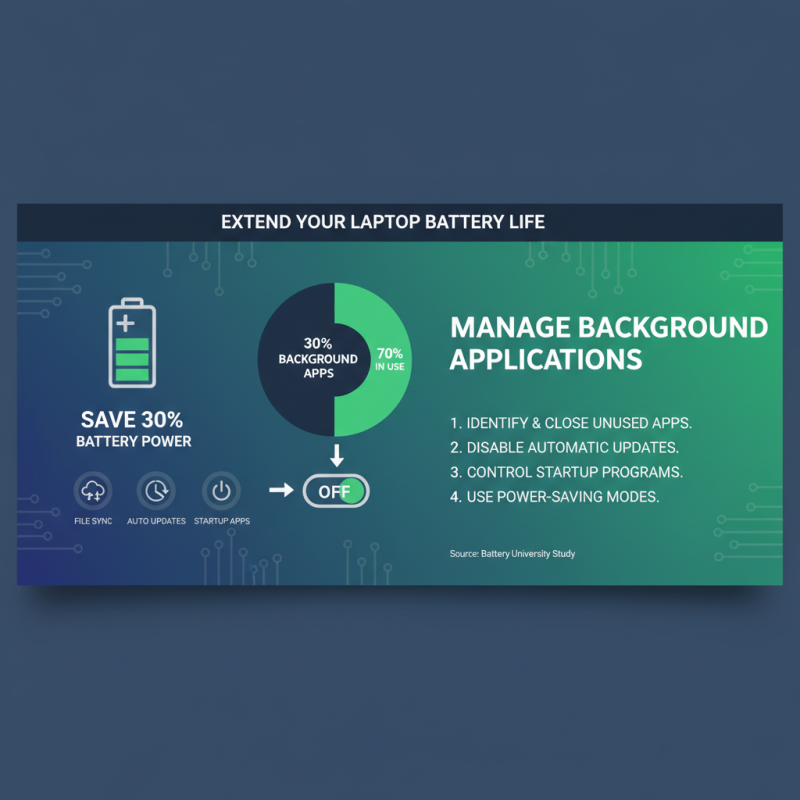
Managing background applications is crucial for extending your laptop's battery life. According to a study by the Battery University, nearly 30% of battery power is consumed by applications running in the background, often without the user's awareness. This can include file sync tools, automatic updates, and various apps that launch at startup. By curtailing these processes, users can reclaim a significant portion of their battery life.

One effective strategy is to systematically review and manage startup programs. The Windows Task Manager and macOS Activity Monitor can help identify resource-intensive applications that may not be necessary to run all the time. Closing programs when they are no longer needed, particularly those that frequently check for updates or run periodic tasks, can also yield considerable improvements. For instance, a report from the International Energy Agency suggests that by reducing background app activity, users can potentially improve their battery longevity by up to 25%.

Additionally, utilizing built-in power management settings can further enhance battery conservation. Many operating systems provide options to limit background activity or enable energy-saving modes that adjust app behavior based on user activity. By proactively managing these settings and keeping background applications in check, users will not only extend their laptop's power life but also improve overall system performance.

Maintaining Your Laptop's Hardware for Better Power Performance

To maintain your laptop's hardware for better power performance, it's essential to start with proper ventilation. Overheating is one of the main contributors to hardware degradation. Keeping air vents clear of obstructions and using your laptop on hard, flat surfaces can significantly enhance airflow. Regularly cleaning the vents and fans from dust buildup will also promote better cooling, thus improving overall performance and battery life.

Another crucial aspect is the management of power settings and hardware components. Adjusting the brightness of your screen and enabling battery-saving modes can decrease energy consumption. Additionally, regularly updating your operating system and drivers ensures your hardware operates on the most efficient software, minimizing the risk of power drain. Disconnecting unnecessary peripherals when not in use can also help conserve battery life. By being mindful of these practices, you'll contribute to the longevity of your laptop's hardware and, consequently, its power performance.