
News

Miro: A New Standard in Responsible Innovation

Miro: A New Standard in Responsible Innovation The Miro monitor arm is setting new benchmarks in sustainability. It offers a high-performance solution without compromising on environmental responsibility. Designed with careful material selection, local sourcing, and longevity in mind, Miro’s responsible approach to design and unique manoeuvrability set it apart from the competition. Sustainable Choices Miro is crafted from energy-efficient materials with a lower carbon impact....

Read more
HSE Advisor

Role Purpose Support in the development, implementation and maintenance of the company’s Health, Safety & Environmental policies, processes, operational procedures, and standards.  Ensuring best practice and championing a continually improving HSE culture within the business. Key Responsibilities Liaise with and provide support to all areas of the business to eliminate, mitigate or reduce identified HSE exposures. Partner with the production management team and team leaders,...

Read more
CMD Ltd LAUNCHES 48-HOUR TURNAROUND ON BETATRAK® RAPID ORDERING SERVICE

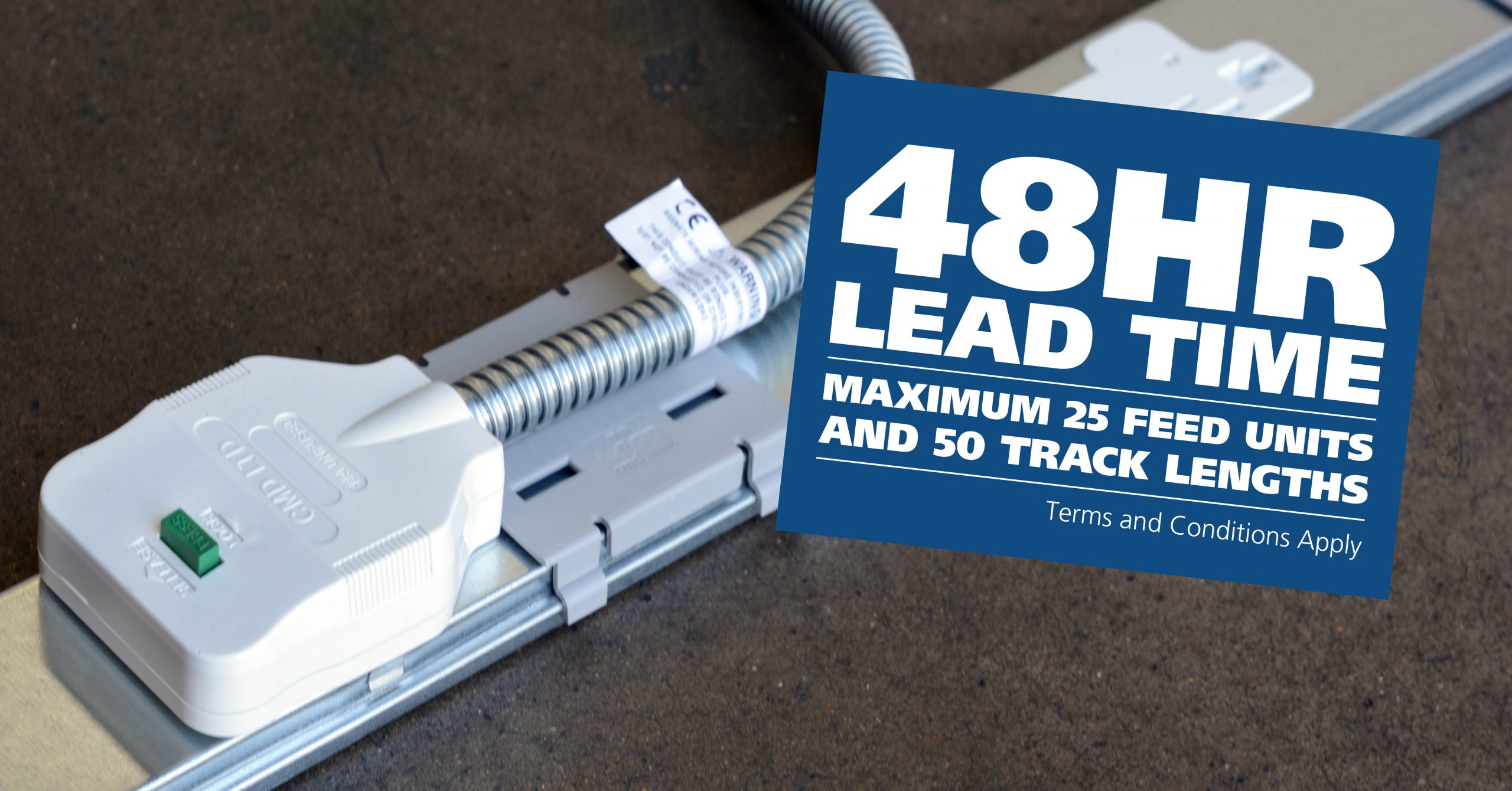
CMD Ltd, the specialist in power distribution systems, workstation power and monitor arms, has launched a rapid ordering service for its Betatrak® underfloor powertrack distribution systems and accessories, with a commitment to delivering within 48-hours of an approved purchase order*. The service enables customers to order up to 50 lengths of Standard or Clean Earth (C/E) low noise Betatrak, along with up to 25 feed...

Read more
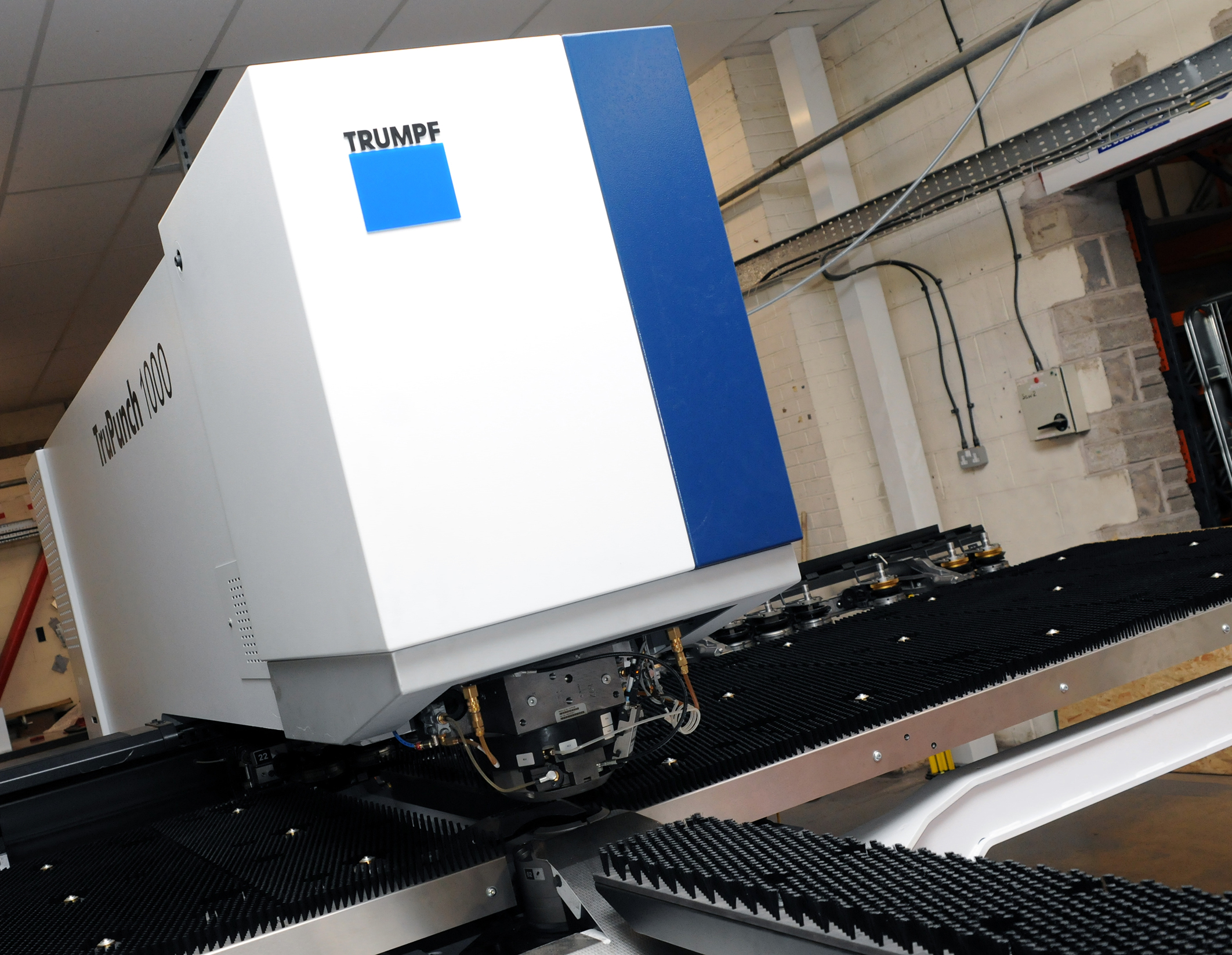
CMD INVESTS £1/4 MILLION IN NEW MACHINE AS PART OF FACTORY UPGRADE

We have invested in a new £1/4m TRUMPF CNC metal punch as part of an asset renewal strategy for our UK manufacturing capability. The new machine will be used in the production of a wide variety of our power distribution systems and workstation power products at our Rotherham factory. Suitable for handling sheet metal between 0.9mm and 3.0mm thick, the new machine will replace one...

Read more
CMD CATALOGUE PROVIDES TECHNICAL POWER DISTRIBUTION GUIDE

CMD Ltd has released a new catalogue, providing an easy to follow technical guide to our power distribution systems and plug and play desk modules. Detailing CMD’s full range of UK-manufactured power distribution systems and plug and play desk modules, the catalogue will be a helpful source of information to M&E engineers and contractors alike to understand how our power distribution systems connect together and...

Read more
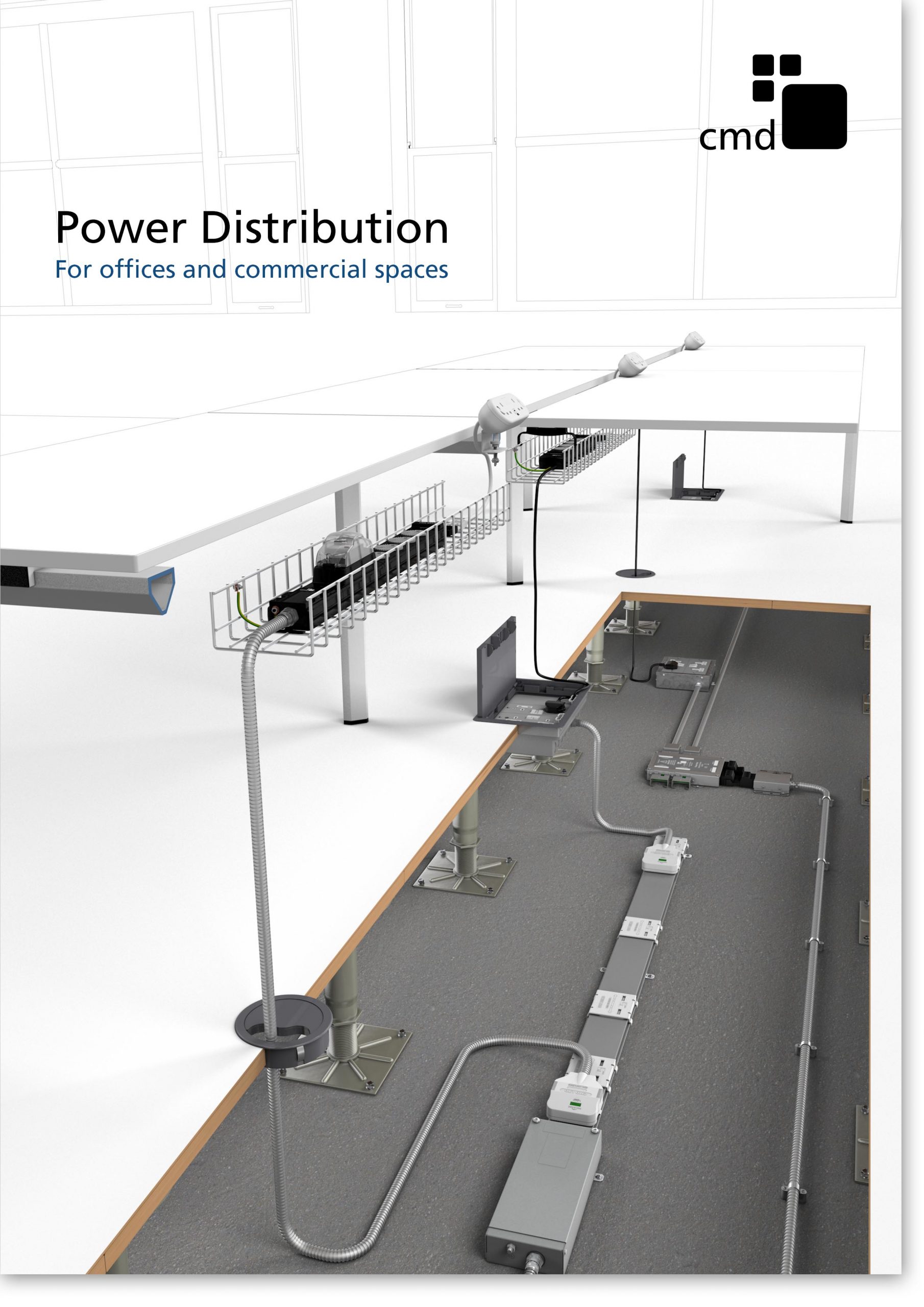
Power Distribution Catalogue
CMD Ltd PLAYS ESSENTIAL ROLE IN ELECTRICAL FIT OUT AT LONDON’S PRESTIGIOUS OFFICE DEVELOPMENT

CMD Ltd, specialist in workplace connectivity and ergonomic solutions, has provided a flexible and high-quality power distribution network for The Ray, a prestigious office development in London’s Farringdon. Well-known for being the former site of The Guardian newspaper, The Ray now stands as an 83,000ft² office development characterised by a modernised warehouse aesthetic, with level two now occupied by a global social media company. The...

Read more

The Ray
CMD plugs in to european opportunity with Schuko Capsule unit launch

CMD Ltd, the specialist in power and connectivity solutions for commercial environments, has launched a Schuko version of its popular fixed format Capsule workstation power module for export to mainland Europe and beyond. A popular on desk power module comprising two sockets and dual USB (type A and C) chargers, CMD’s Capsule unit is already widely specified in the UK as an off-the-shelf workstation power...

Read more
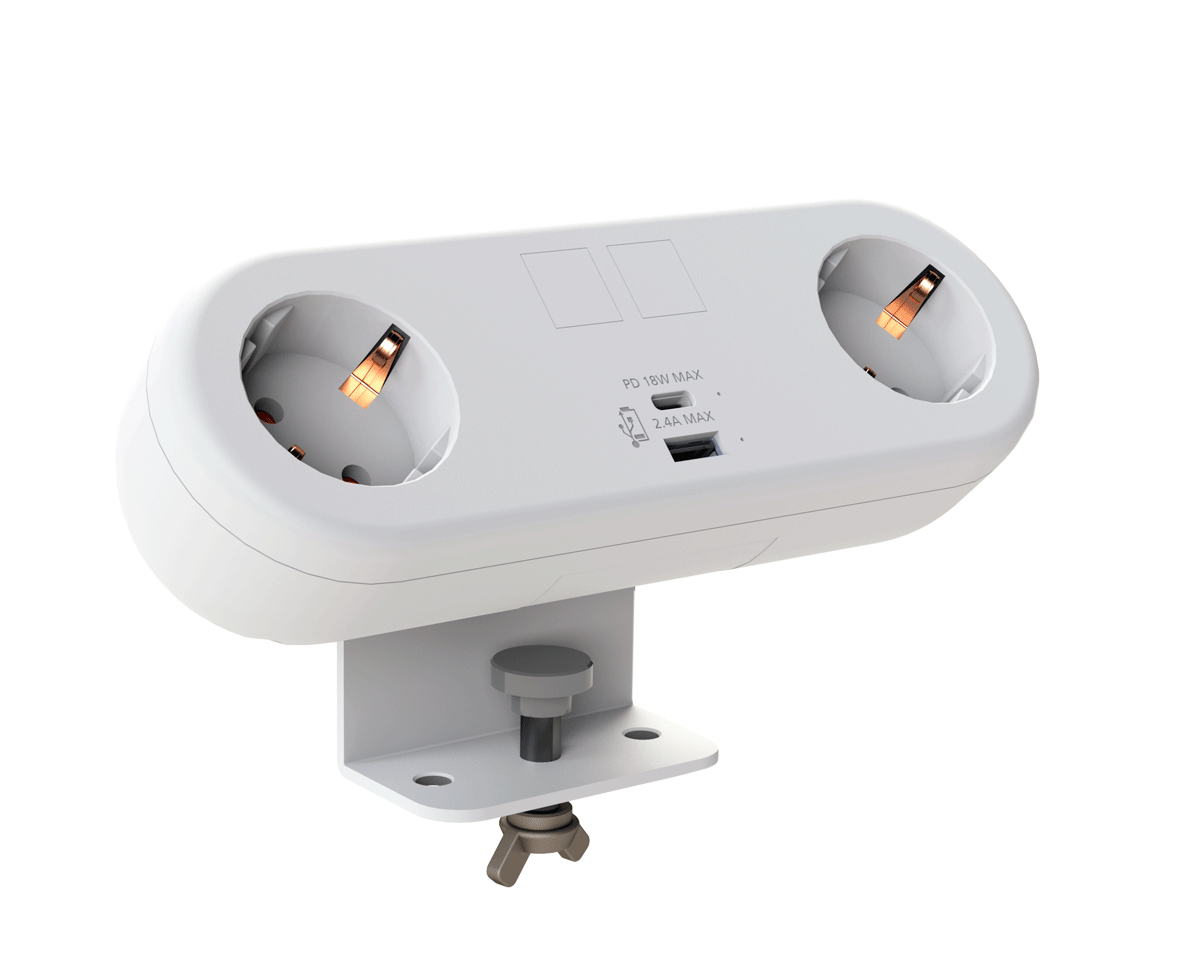
CMD White Schuko Capsule Desk Power Module
CMD LTD EXTENDS MONITOR ARM RANGE WITH THE LAUNCH OF REACH PLUS

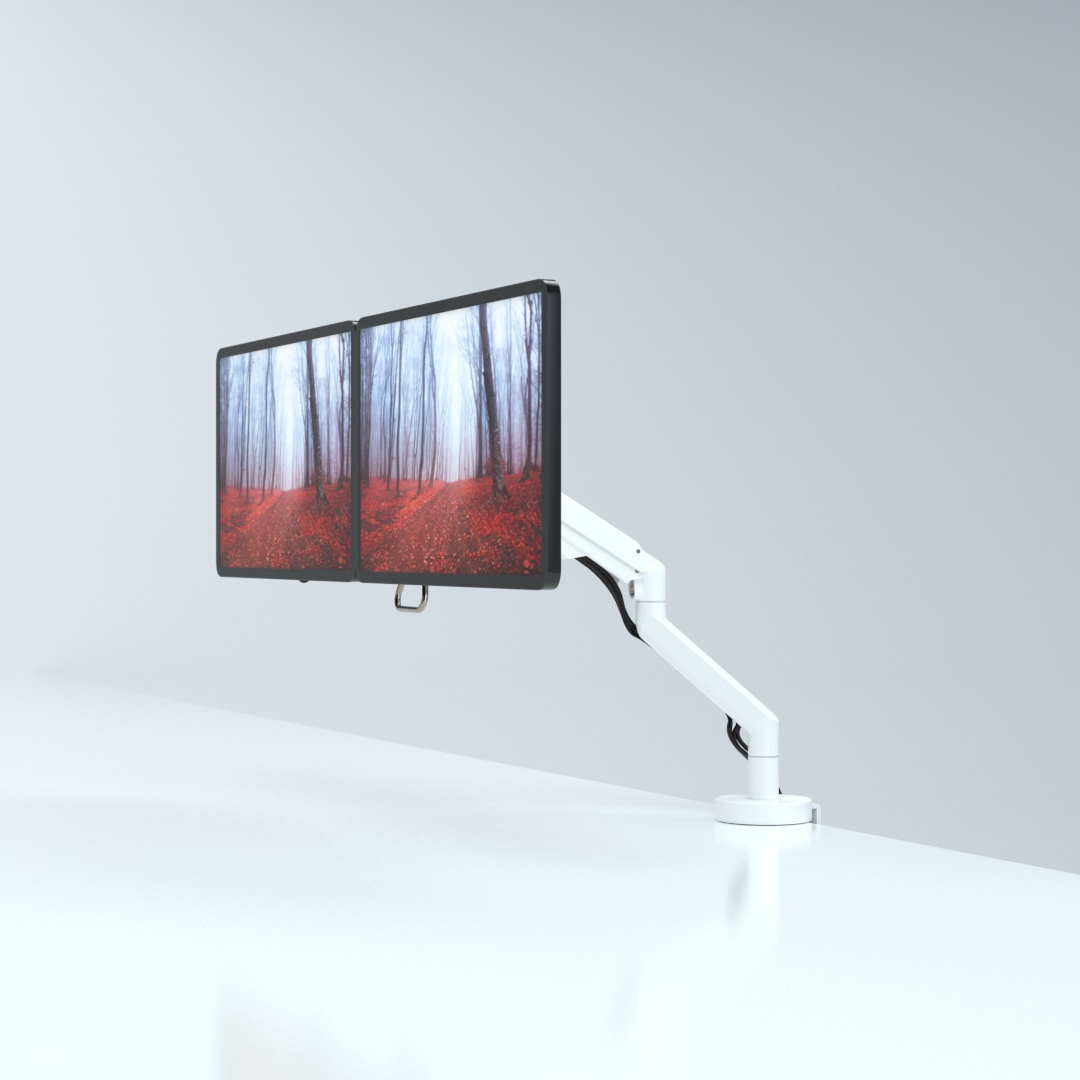
CMD Ltd, the specialist in ergonomic and connectivity solutions for commercial interiors, has completed its Reach monitor arm range with the launch of the Reach Plus. Available in single or dual screen options, the Reach Plus has been designed to provide an ideal solution for both single and dual screen workstation configurations, or can be used with next generation of large format curved screens. Suitable...

Read more
CMD Ltd DEMONSTRATES THE ART OF POWER DISTRIBUTION AT THE UNIVERSITY OF WARWICK

CMD Ltd, the specialist in workplace connectivity and ergonomic solutions, has provided Betatrak busbar power distribution and a range of electrical accessories for two major capital investment projects at the University of Warwick. Designed by Fielden Clegg Bradley Studios, the £33 million Faculty of Arts building is a showpiece development comprising four interconnected structures set around a central atrium, which will enable inter-disciplinary collaboration across...

Read more

University of Warwick
CMD BRINGS HARMONY TO COVENTRY UNIVERSITY RESEARCH FACILITIES

CMD Ltd, the specialist in power distribution solutions and workstation power and ergonomics, has provided under desk and on desk power modules for the refurbishment of three Coventry University research buildings. Located on Coventry University Technology Park, a business park designed to encourage collaboration between the university and knowledge-based businesses, the three buildings are being repurposed as office accommodation for university research teams. The refurbishment...

Read more

Coventry University

How to Choose the Right On Desk Power Modules for Your Workspace?

In today's modern workspace, choosing the right on desk power modules is crucial for efficiency and productivity. According to a report from Market Research Future, the demand for power modules is expected to grow at a CAGR of 8% from 2022 to 2028. This indicates a strong shift towards smarter, more integrated solutions in office environments.

Expert opinions highlight the importance of these modules. John Smith, a leading authority in workspace design, states, “The right on desk power modules can significantly enhance an employee's experience.” Businesses must consider factors like plug types, USB ports, and overall aesthetics. These choices can transform a cluttered desk into an organized and functional workspace.

Yet, not all modules meet the specific needs of every workstation. Some might offer too many features, complicating use rather than simplifying it. Evaluating these aspects is necessary. An informed choice can lead to better energy management and connectivity while allowing more focus on work tasks.

How to Choose the Right On Desk Power Modules for Your Workspace?

Understanding On Desk Power Modules and Their Functions

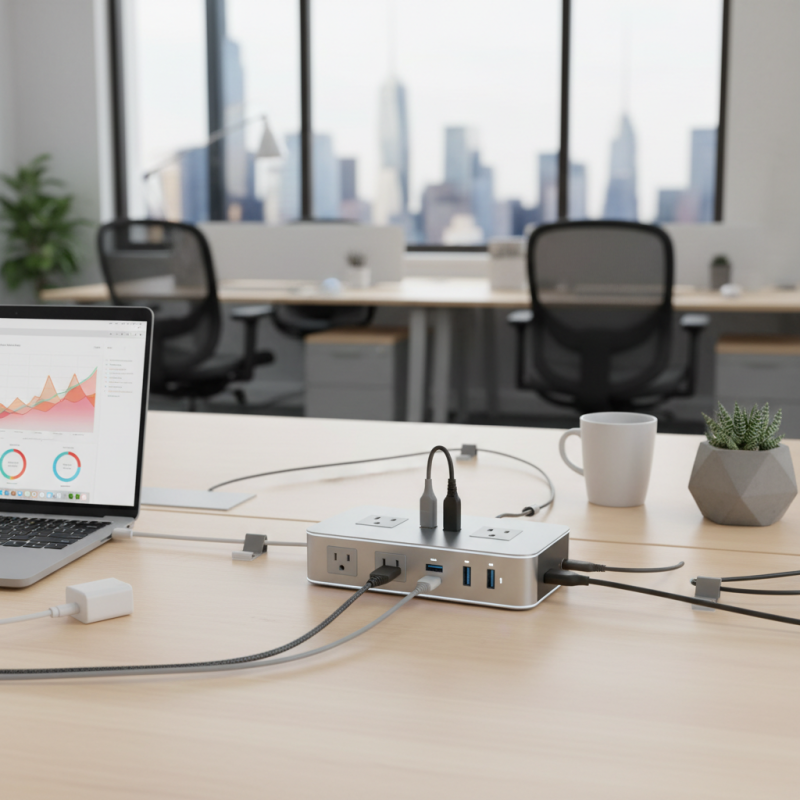
On desk power modules have become essential in modern workspaces. These devices facilitate easy access to power sources for laptops, phones, and other electronic devices. A recent report indicates that 85% of employees prefer work environments with accessible charging solutions. This statistic highlights a shift in how workspace design prioritizes comfort and efficiency.

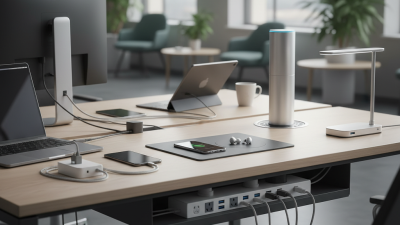
Understanding the functions of on desk power modules is crucial. They often include USB ports, AC outlets, and even wireless charging pads. Many designs are modular, allowing customization based on specific needs. According to industry analysis, 56% of companies report increased productivity when users have direct power access. Yet, some modules can be cumbersome. This can lead to clutter if not integrated thoughtfully into the workspace layout.

Designing your workspace with these modules requires careful consideration. Think about the layout and the traffic flow. Are power cords neatly managed? Are they placed where they are most needed? Some designs may not align with existing décor, affecting overall aesthetics. It’s this balance between functionality and design that can be challenging. Remember, the goal is to create a space that promotes productivity while minimizing distractions.

On Desk Power Modules Usage in Workspaces

Identifying Your Power Needs: Assessing Workspace Requirements

When choosing power modules for your workspace, understanding your specific needs is essential. Effective power management can boost productivity significantly. According to industry reports, around 75% of workers experience interruptions related to inadequate power sources. Inadequate outlets can lead to chaos. Assessing these requirements should start with an inventory of devices in your workspace. Consider how many gadgets you use daily.

Identify the wattage requirements of your equipment. Some devices require more power than you think. For instance, laptops often need anywhere from 45 to 90 watts, while monitors can require up to 200 watts. This gap can lead to problems if your power module cannot handle heavy loads. It’s frustrating when a workspace lacks sufficient power, so a proper evaluation can save time and hassle later.

Consider how many people work in the space. Shared environments may require additional outlets and charging ports. The needs vary greatly between solo work and collaborative spaces. Take time to think about the communal aspect and traffic of devices. Planning poorly can lead to overcrowded power strips and ultimately become a fire hazard. It’s a balancing act that demands thoughtful reflection.

Evaluating Different Types of On Desk Power Modules Available

How to Choose the Right On Desk Power Modules for Your Workspace?

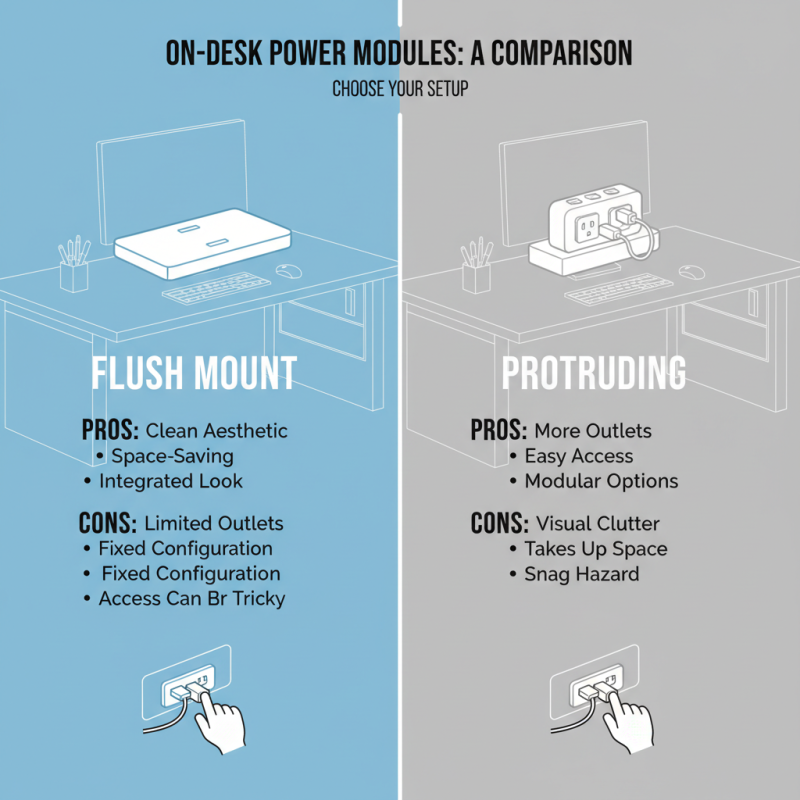
When evaluating different types of on-desk power modules, consider the layout of your workspace. Some modules sit flush against your desk, while others protrude slightly. Each option has its pros and cons. For example, a sleek, low-profile design looks clean, but it may have limited outlets. A bulkier model provides more connections but can create clutter.

Think about where you'll place the power module. Some models have built-in cable management, which is helpful for reducing mess. Others might come with USB ports or smart chargers, catering to the needs of modern devices. But remember, additional features can mean a higher price tag. Always weigh the value against your actual needs.

Assess how often you need to plug and unplug devices. A frequently-used power module should be easily accessible. If you rarely change your setup, a less convenient option might suffice. It’s crucial to find a balance between functionality and aesthetics. You might find that your choice doesn’t fit perfectly, which is a reminder to reassess your workspace needs regularly.

Key Features to Consider When Selecting Power Modules

When selecting on-desk power modules for your workspace, consider key features that enhance usability and safety. A study from the International Association of Workplace Safety suggests that more than 40% of workplace accidents are linked to improper power usage. Therefore, prioritize modules with built-in surge protection. This feature can prevent damage to devices and ensure safe operation.

Ease of access is crucial. Look for designs that allow easy plugging and unplugging of devices. Reports show that ergonomic setups increase productivity by up to 20%. This means placing power outlets within reach can significantly improve workflow.

Tip: Evaluate the number of devices you regularly use. Ensure the power module can accommodate future needs as your workspace evolves.

Don't overlook the importance of cable management. A cluttered desk can lead to accidents and reduce efficiency. Choose modules with integrated cable organizers to maintain a clean workspace. This not only looks good but also promotes safety.

Tip: Test the module's placement on your desk before finalizing the purchase. Ensure it doesn’t obstruct movement or create hazards.

These considerations will help create a workspace that is not just functional but also safe and efficient.

Installation and Safety Tips for On Desk Power Modules

When installing on desk power modules, safety is crucial. Ensure the power outlet is grounded and has the necessary voltage. Use high-quality cables to prevent overheating. Check if the module can handle the total wattage of devices you'll connect. This prevents overloads that might lead to electrical fires.

Inspect the area around the module for clutter. Clear space around power strips and cables. This improves airflow and reduces fire risks. Secure cords with clips or ties to keep them out of harm’s way. It’s vital to keep them away from high-traffic areas. Someone might trip or tug on a cord accidentally.

Consider the location of your desk. Is it near water sources? Avoid placing your power module close to sinks or coffee machines. These areas are riskier for electric shocks. If unsure, consult a professional for installation advice. Safety is not just about installing the module correctly; it’s about maintaining a safe workspace. Regularly check your equipment for wear and tear.

How to Choose the Right On Desk Power Modules for Your Workspace? - Installation and Safety Tips for On Desk Power Modules

Feature Considerations Benefits
Type of Power Module USB, AC outlet, or both Versatility in powering multiple devices
Power Rating Check wattage and amperage Prevents overheating and overload
Mounting Options Desk mount, under desk, or freestanding Saves space and maintains an organized workspace
Safety Features Surge protection, circuit breakers Enhances electrical safety for users
Design Color, size, and finish Aesthetic appeal and corporate branding
Cable Management Built-in cable management solutions Reduces clutter and maintains a tidy workspace