
News

Miro: A New Standard in Responsible Innovation

Miro: A New Standard in Responsible Innovation The Miro monitor arm is setting new benchmarks in sustainability. It offers a high-performance solution without compromising on environmental responsibility. Designed with careful material selection, local sourcing, and longevity in mind, Miro’s responsible approach to design and unique manoeuvrability set it apart from the competition. Sustainable Choices Miro is crafted from energy-efficient materials with a lower carbon impact....

Read more
HSE Advisor

Role Purpose Support in the development, implementation and maintenance of the company’s Health, Safety & Environmental policies, processes, operational procedures, and standards.  Ensuring best practice and championing a continually improving HSE culture within the business. Key Responsibilities Liaise with and provide support to all areas of the business to eliminate, mitigate or reduce identified HSE exposures. Partner with the production management team and team leaders,...

Read more
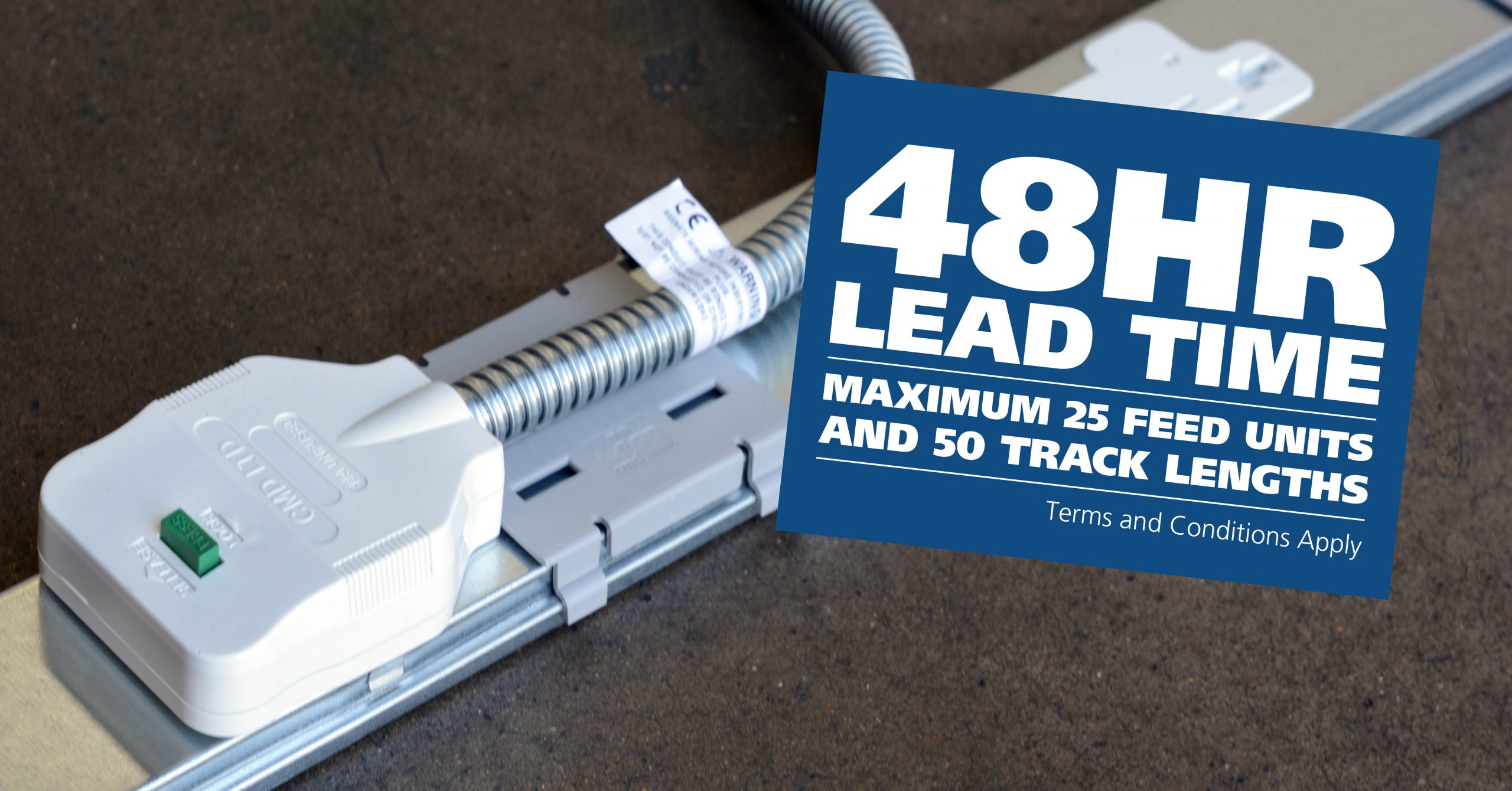
CMD Ltd LAUNCHES 48-HOUR TURNAROUND ON BETATRAK® RAPID ORDERING SERVICE

CMD Ltd, the specialist in power distribution systems, workstation power and monitor arms, has launched a rapid ordering service for its Betatrak® underfloor powertrack distribution systems and accessories, with a commitment to delivering within 48-hours of an approved purchase order*. The service enables customers to order up to 50 lengths of Standard or Clean Earth (C/E) low noise Betatrak, along with up to 25 feed...

Read more
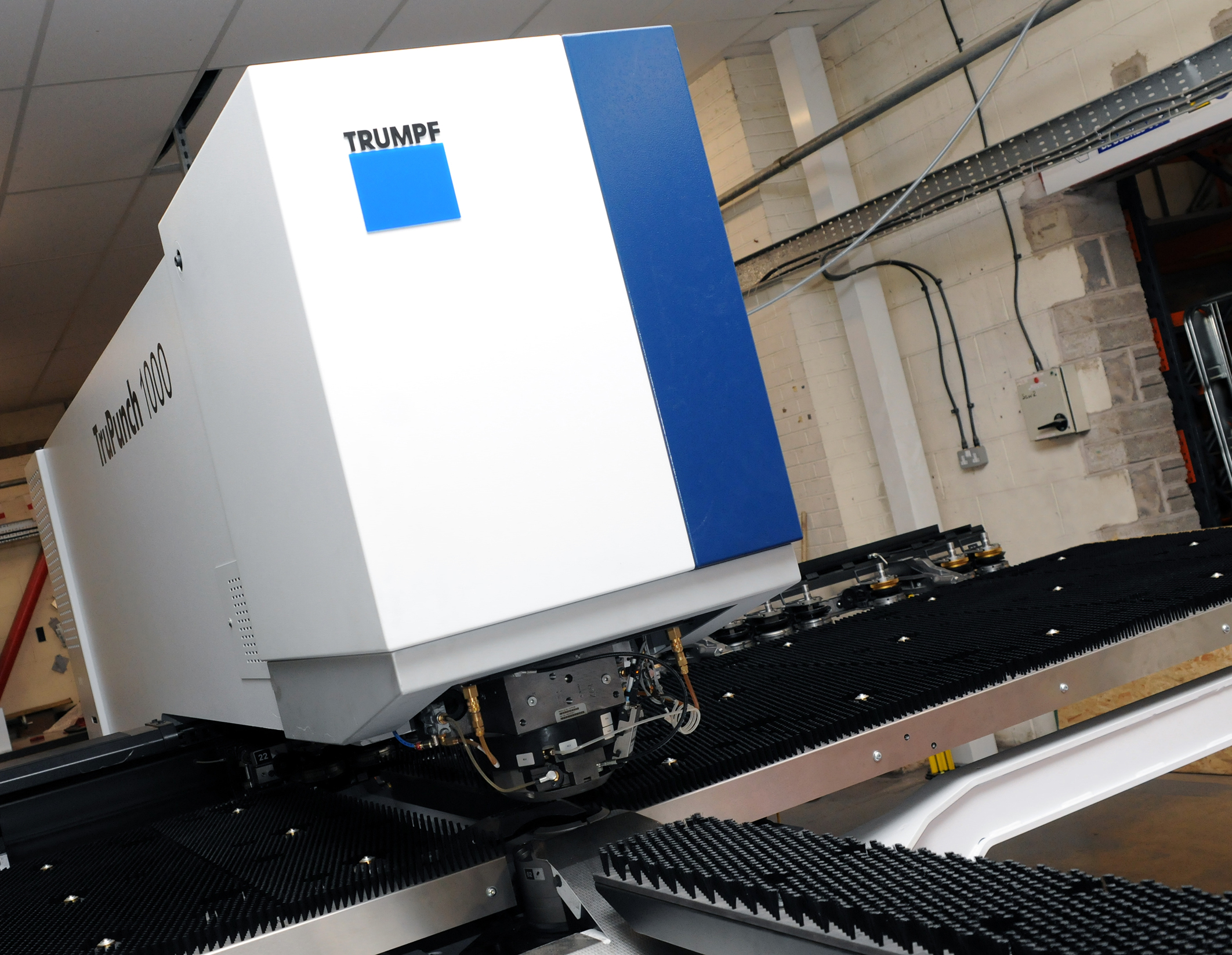
CMD INVESTS £1/4 MILLION IN NEW MACHINE AS PART OF FACTORY UPGRADE

We have invested in a new £1/4m TRUMPF CNC metal punch as part of an asset renewal strategy for our UK manufacturing capability. The new machine will be used in the production of a wide variety of our power distribution systems and workstation power products at our Rotherham factory. Suitable for handling sheet metal between 0.9mm and 3.0mm thick, the new machine will replace one...

Read more
CMD CATALOGUE PROVIDES TECHNICAL POWER DISTRIBUTION GUIDE

CMD Ltd has released a new catalogue, providing an easy to follow technical guide to our power distribution systems and plug and play desk modules. Detailing CMD’s full range of UK-manufactured power distribution systems and plug and play desk modules, the catalogue will be a helpful source of information to M&E engineers and contractors alike to understand how our power distribution systems connect together and...

Read more
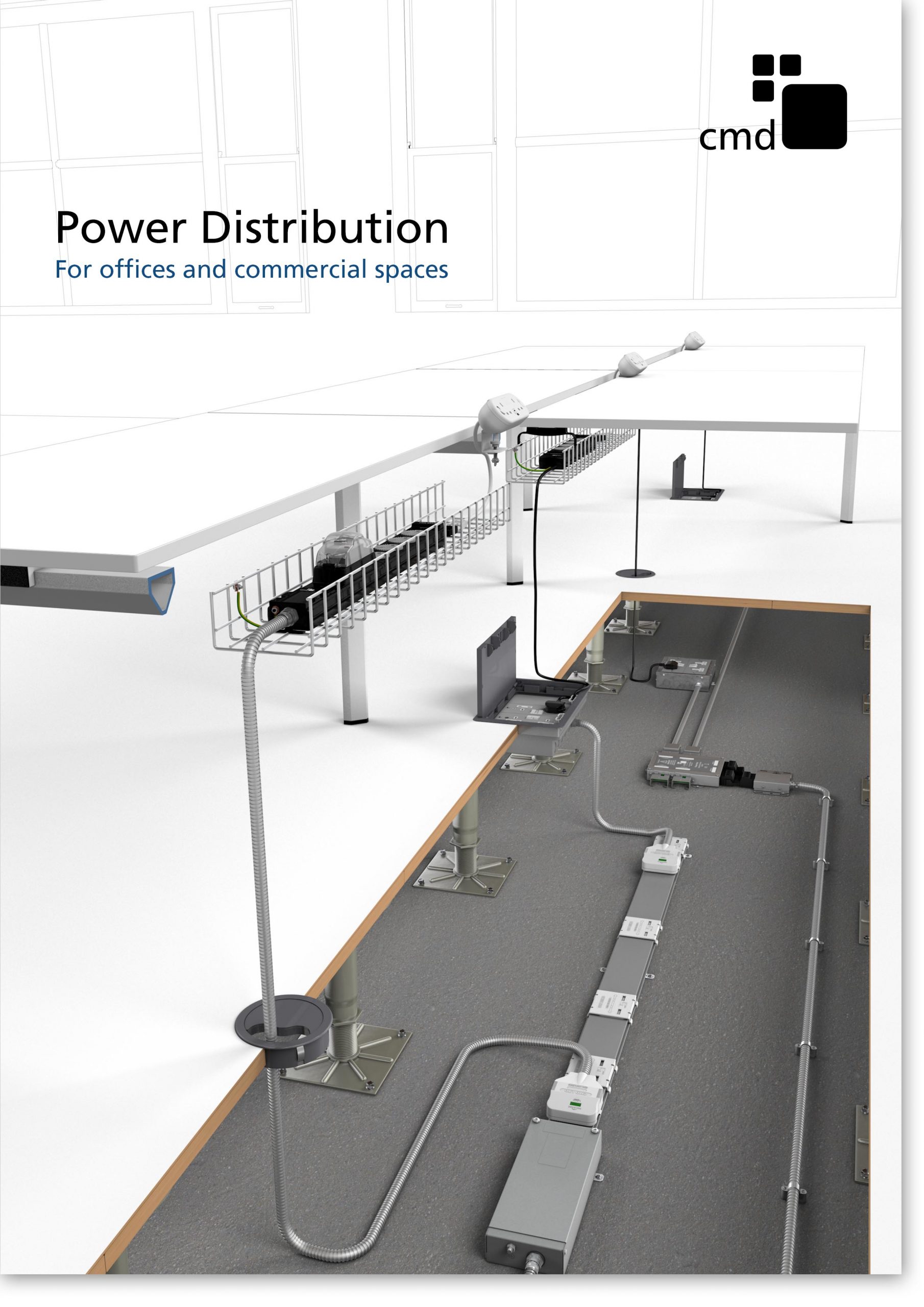
Power Distribution Catalogue
CMD Ltd PLAYS ESSENTIAL ROLE IN ELECTRICAL FIT OUT AT LONDON’S PRESTIGIOUS OFFICE DEVELOPMENT

CMD Ltd, specialist in workplace connectivity and ergonomic solutions, has provided a flexible and high-quality power distribution network for The Ray, a prestigious office development in London’s Farringdon. Well-known for being the former site of The Guardian newspaper, The Ray now stands as an 83,000ft² office development characterised by a modernised warehouse aesthetic, with level two now occupied by a global social media company. The...

Read more

The Ray
CMD plugs in to european opportunity with Schuko Capsule unit launch

CMD Ltd, the specialist in power and connectivity solutions for commercial environments, has launched a Schuko version of its popular fixed format Capsule workstation power module for export to mainland Europe and beyond. A popular on desk power module comprising two sockets and dual USB (type A and C) chargers, CMD’s Capsule unit is already widely specified in the UK as an off-the-shelf workstation power...

Read more
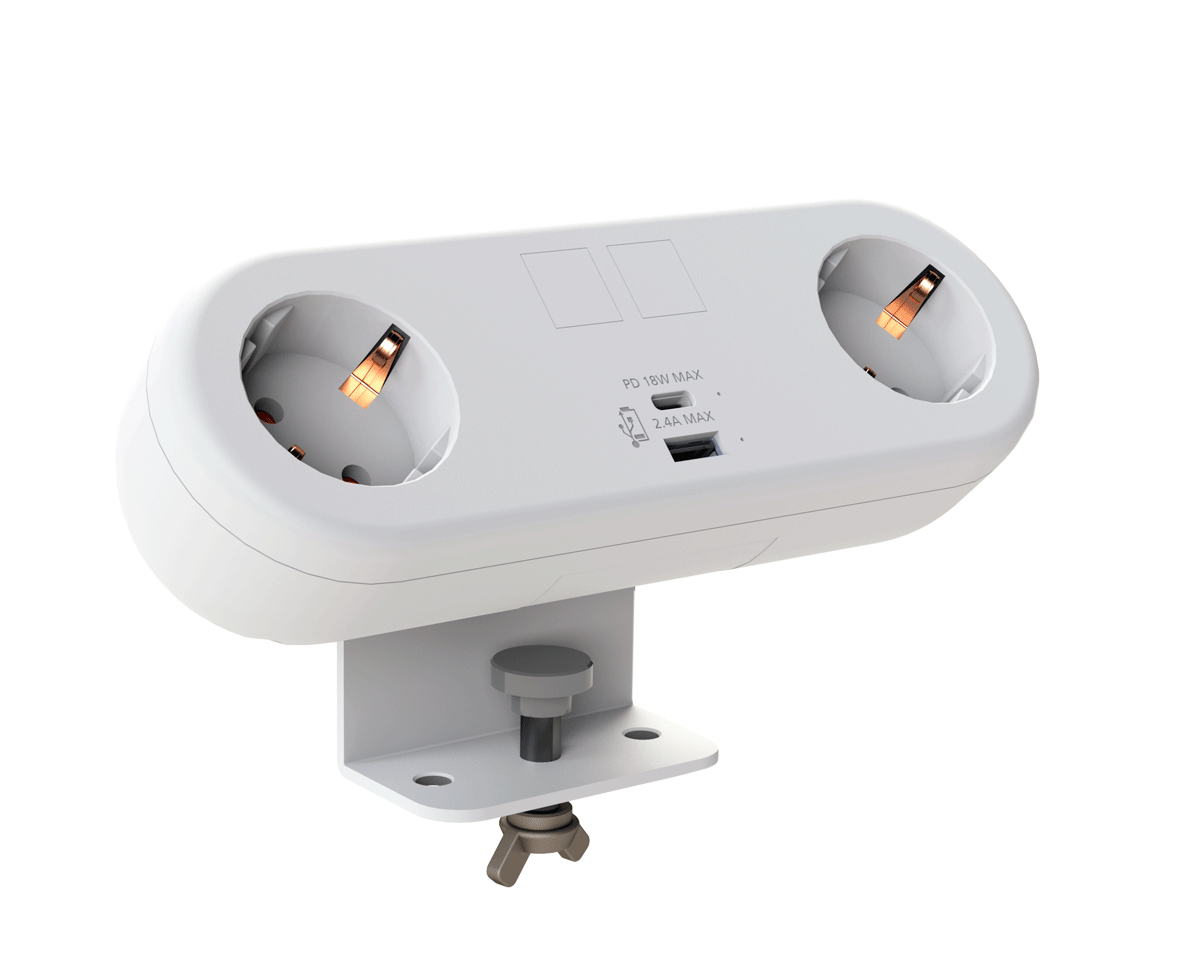
CMD White Schuko Capsule Desk Power Module
CMD LTD EXTENDS MONITOR ARM RANGE WITH THE LAUNCH OF REACH PLUS

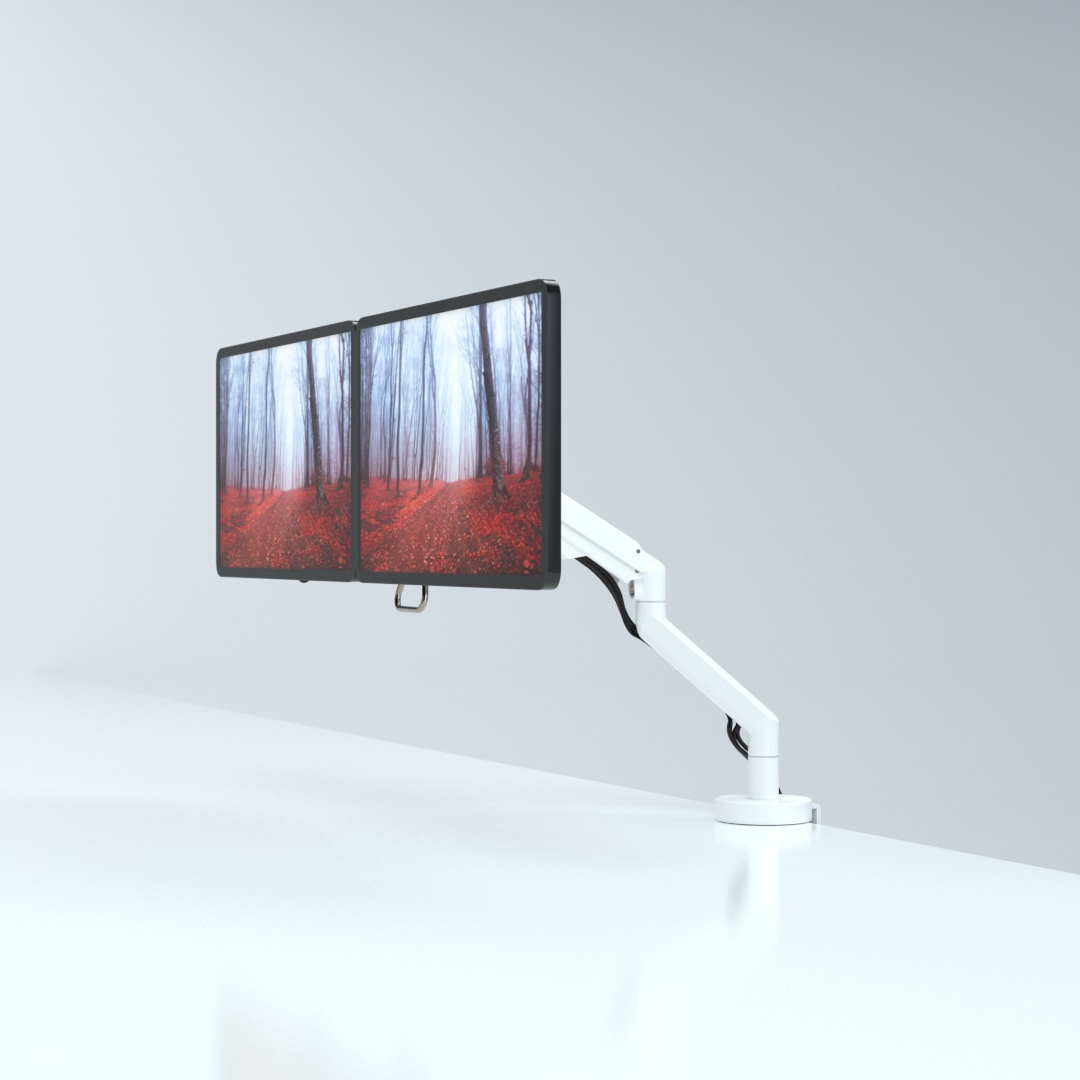
CMD Ltd, the specialist in ergonomic and connectivity solutions for commercial interiors, has completed its Reach monitor arm range with the launch of the Reach Plus. Available in single or dual screen options, the Reach Plus has been designed to provide an ideal solution for both single and dual screen workstation configurations, or can be used with next generation of large format curved screens. Suitable...

Read more
CMD Ltd DEMONSTRATES THE ART OF POWER DISTRIBUTION AT THE UNIVERSITY OF WARWICK

CMD Ltd, the specialist in workplace connectivity and ergonomic solutions, has provided Betatrak busbar power distribution and a range of electrical accessories for two major capital investment projects at the University of Warwick. Designed by Fielden Clegg Bradley Studios, the £33 million Faculty of Arts building is a showpiece development comprising four interconnected structures set around a central atrium, which will enable inter-disciplinary collaboration across...

Read more

University of Warwick
CMD BRINGS HARMONY TO COVENTRY UNIVERSITY RESEARCH FACILITIES

CMD Ltd, the specialist in power distribution solutions and workstation power and ergonomics, has provided under desk and on desk power modules for the refurbishment of three Coventry University research buildings. Located on Coventry University Technology Park, a business park designed to encourage collaboration between the university and knowledge-based businesses, the three buildings are being repurposed as office accommodation for university research teams. The refurbishment...

Read more

Coventry University

How to Choose the Best Type C Laptop Charger for Your Needs?

Choosing the right type c laptop charger can significantly impact your device's performance and lifespan. With various options available, understanding your specific needs is essential. A quality charger ensures efficient power delivery and safeguards your laptop against damage.

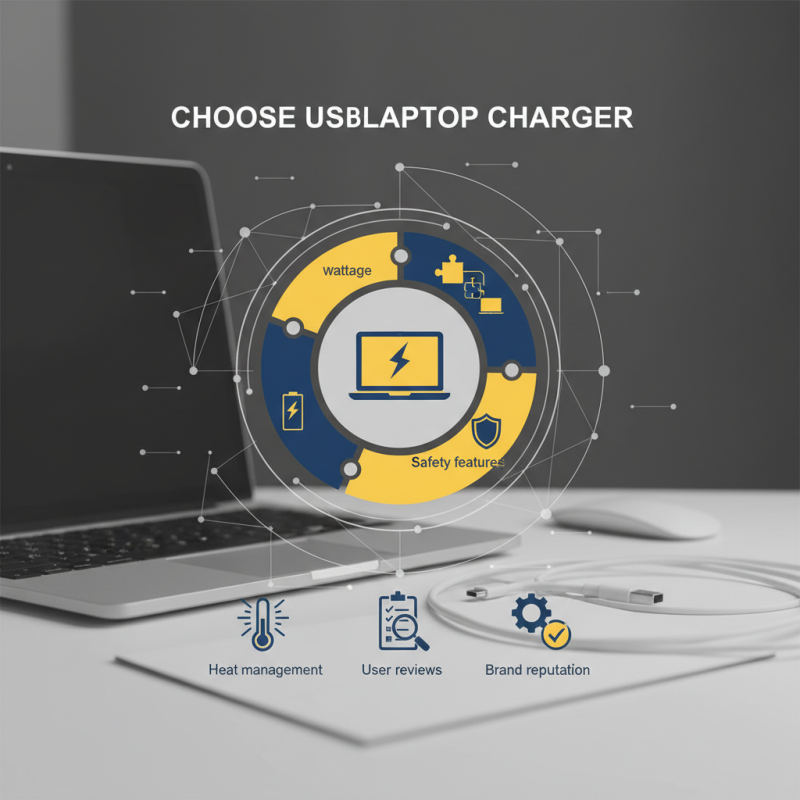
As you navigate through the choices, consider factors like wattage, compatibility, and safety features. A mismatched charger can lead to slow charging or potential hazards. When you're shopping, each detail matters. Look for chargers with good heat management and built-in protections. They often reflect better engineering and reliability.

While many may overlook brand reputation, it's crucial. Established brands have proven track records. However, even reputable brands can have subpar products. Reading user reviews can provide insights into real-world performance. No one charger fits all, and your preferences will determine the best fit. The journey to find the ideal type c laptop charger may require some trial and error.

How to Choose the Best Type C Laptop Charger for Your Needs?

Understanding USB Type C Technology and Its Charging Capabilities

How to Choose the Best Type C Laptop Charger for Your Needs?

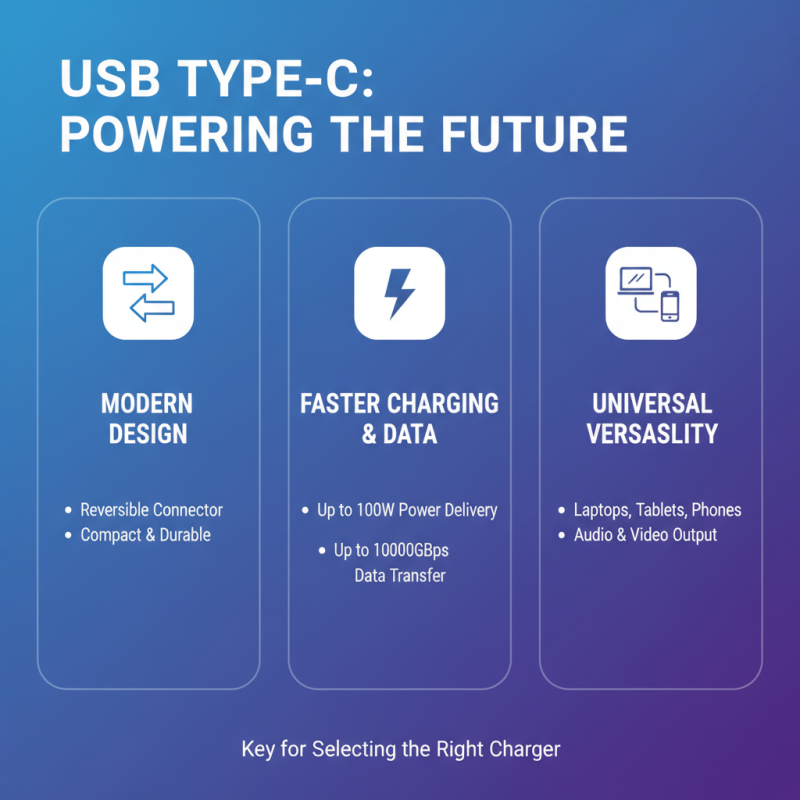
USB Type C technology has revolutionized how we charge devices. Its modern design allows for faster data transfers and charging. A Type C port can also carry power, making it versatile for laptops and other electronics. Understanding its capabilities is vital for selecting the right charger.

When looking for a Type C laptop charger, consider your laptop's power needs. Chargers vary in wattage. A higher wattage charger often means faster charging. However, using a charger with too low wattage can lead to inadequate performance. Take note of the specifications provided by your laptop manufacturer.

Tips: Always check the output voltage and current when choosing a charger. Compatibility is crucial. Using an incompatible charger may damage your device. Additionally, opt for chargers with safety certifications. This ensures reliability and protects your equipment.

Remember, not all cables support fast charging. Some may only handle standard charging speeds. It’s a common mistake to overlook this detail. Take time to research and understand the differences in USB Type C cables. Make an informed choice based on your specific needs. Take these points to heart when purchasing. You may avoid future regrets.

Identifying Compatibility: Matching Chargers with Your Laptop's Power Needs

How to Choose the Best Type C Laptop Charger for Your Needs?

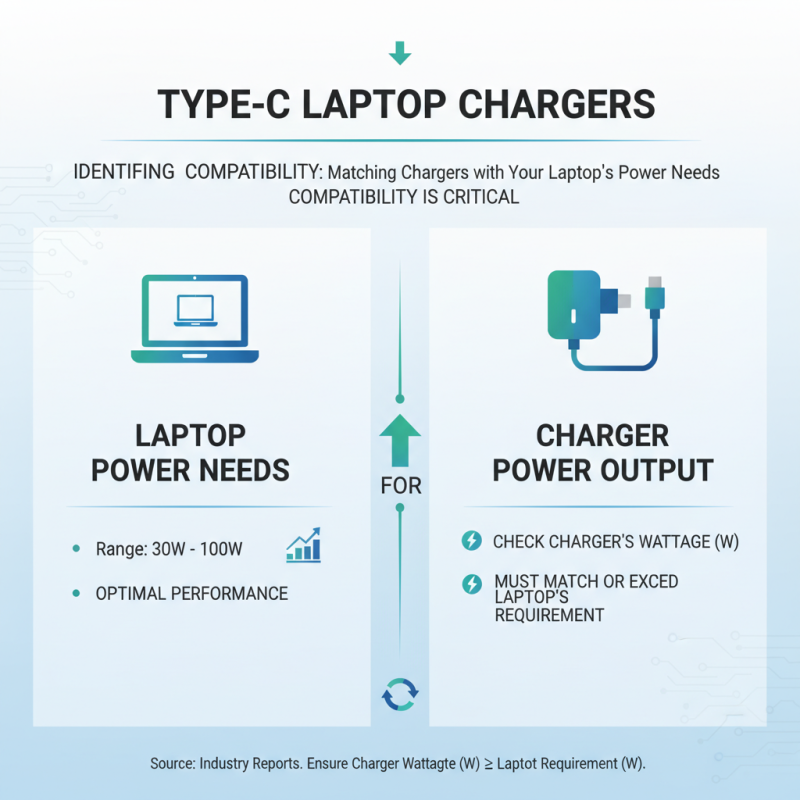
When selecting a Type C laptop charger, compatibility is critical. Not all chargers deliver the same power output. According to industry reports, the average power requirement for laptops ranges between 30 watts to 100 watts. Understanding your laptop’s power needs is essential for optimal performance.

Charger compatibility is not just about matching wattage. Voltage and amperage also play significant roles. Many find themselves in a bind, using an incompatible charger that may provide insufficient power. This can lead to slower charging times or, in the worst case, battery damage. A report from the International Electrotechnical Commission highlights that mismatched chargers can lead to overheating, posing safety risks.

To avoid these pitfalls, always check your laptop’s specifications. Look for the wattage and voltage your model requires. Using a charger that exceeds these requirements is generally safe, but using one that falls short can hinder functionality. A safe approach is to choose chargers with built-in safeguards, which can prevent overcharging and overheating.

Evaluating Charger Specifications: Wattage, Voltage, and Amperage Explained

When choosing a Type C laptop charger, understanding wattage, voltage, and amperage is essential. Wattage represents the total power. A higher wattage means faster charging. Check your laptop’s requirements before making a choice. If you select a charger with inadequate wattage, your laptop may charge slowly or not at all.

Voltage is crucial too. Different devices operate at varying voltage levels. Using a charger with the wrong voltage can damage your device. Always match the voltage with your laptop's specifications. Amperage indicates the flow of electric current. A higher amperage charger can deliver more power, but it won’t force excess current into the device.

Tips: Always inspect your charger’s specs before purchase. Look for compatibility with your laptop requirements. A mismatch could lead to issues. When using a charger, observe how your device responds during charging. If it heats up excessively, reevaluate your choice. Remember, a well-informed decision can save you from future headaches.

How to Choose the Best Type C Laptop Charger for Your Needs?

Charger Type Wattage Voltage Amperage Compatibility
Standard USB Type-C 18W 5V 3.6A Smartphones, Tablets
Fast Charge Type-C 30W 15V 2A Laptops, Tablets
High Power Type-C 61W 20V 3.05A Ultrabooks, High-End Laptops
Ultra Fast Power Delivery 100W 20V 5A Gaming Laptops, Workstations

Considering Portability and Design Features for Daily Use and Travel

When choosing a Type C laptop charger, consider the design and portability features. A lightweight charger can make a difference during travel. Look for slim profiles and compact constructions. They fit easily in bags or pockets. This is especially important for daily commuters or frequent travelers. A bulky charger can feel like a burden.

Design features also play a role. Cables that are woven or tangle-free are handy. They last longer and look neat. Additionally, detachable cables offer flexibility. If your cable frays, you can simply replace it without buying a new charger. These small details enhance convenience in everyday situations.

Battery capacity matters, too. A higher wattage charger ensures faster charging. However, a large charger might be excessive. Balance your needs with the charger’s power. Reflecting on usage can help you decide. When on the go, you don’t want a charger weighing you down. Being mindful of these details will help improve your daily device management.

Exploring Safety Features and Brand Reliability in Laptop Chargers

When choosing a Type C laptop charger, safety features are paramount. Opt for chargers with over-voltage protection and short-circuit prevention. This ensures your device remains safe during charging. Also, look for certifications like UL or CE. These indicate a level of quality and adherence to safety standards.

Reliability also plays a significant role. Research brand histories, customer reviews, and warranty options. A reliable charger can save you money in the long run. Some users report issues with overheating. This can lead to damage to both the charger and your laptop. Consider chargers with built-in temperature control technology. It can provide peace of mind during use.

Tips: Prioritize options that come with a rated power output matching your laptop's requirements. Check for compatibility with your device to avoid any unpleasant surprises. Always handle chargers with care to extend their lifespan, and inspect them periodically for wear or damage.