

News

Miro: A New Standard in Responsible Innovation

Miro: A New Standard in Responsible Innovation The Miro monitor arm is setting new benchmarks in sustainability. It offers a high-performance solution without compromising on environmental responsibility. Designed with careful material selection, local sourcing, and longevity in mind, Miro’s responsible approach to design and unique manoeuvrability set it apart from the competition. Sustainable Choices Miro is crafted from energy-efficient materials with a lower carbon impact....

Read more
HSE Advisor

Role Purpose Support in the development, implementation and maintenance of the company’s Health, Safety & Environmental policies, processes, operational procedures, and standards.  Ensuring best practice and championing a continually improving HSE culture within the business. Key Responsibilities Liaise with and provide support to all areas of the business to eliminate, mitigate or reduce identified HSE exposures. Partner with the production management team and team leaders,...

Read more
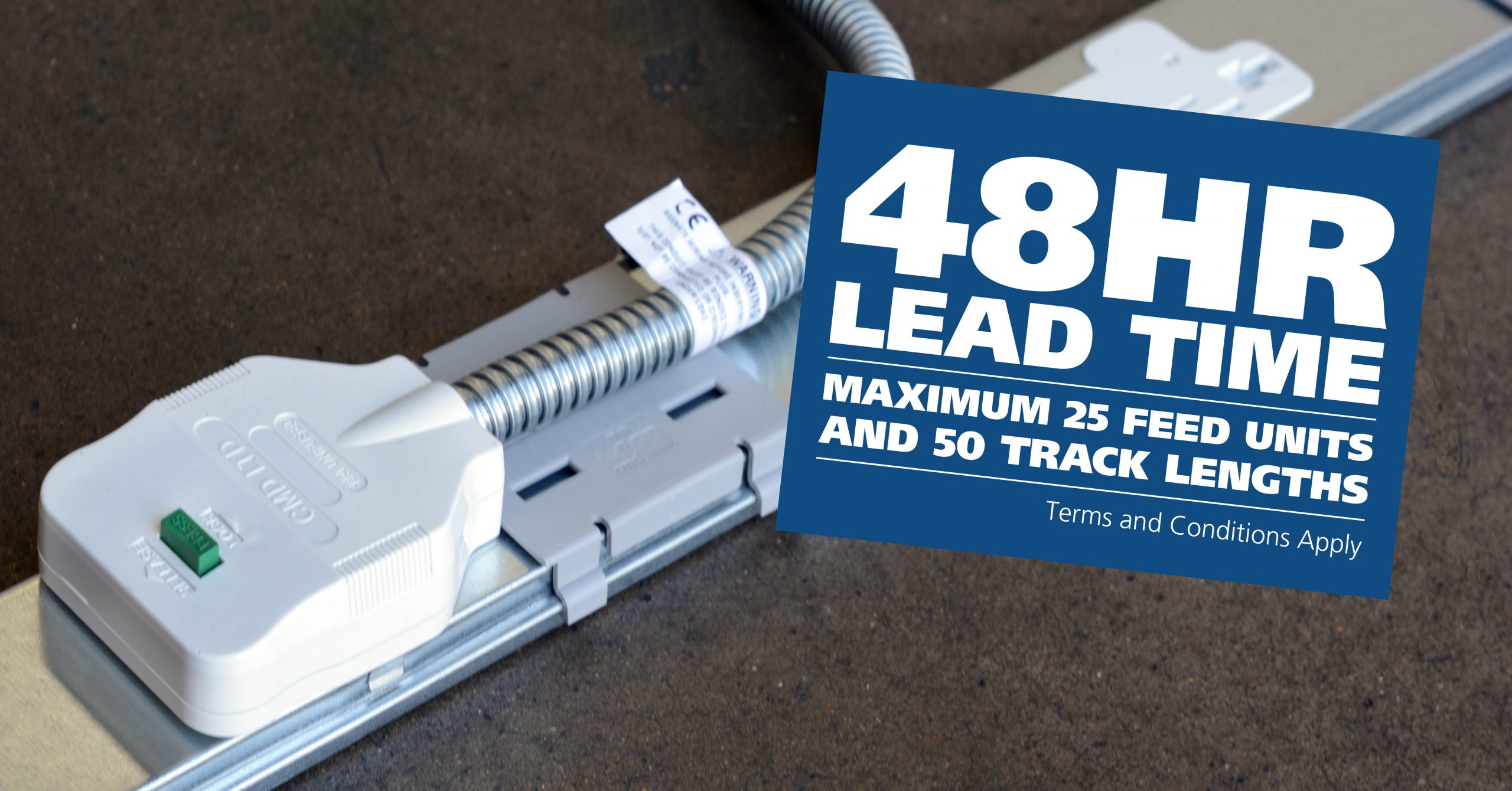
CMD Ltd LAUNCHES 48-HOUR TURNAROUND ON BETATRAK® RAPID ORDERING SERVICE

CMD Ltd, the specialist in power distribution systems, workstation power and monitor arms, has launched a rapid ordering service for its Betatrak® underfloor powertrack distribution systems and accessories, with a commitment to delivering within 48-hours of an approved purchase order*. The service enables customers to order up to 50 lengths of Standard or Clean Earth (C/E) low noise Betatrak, along with up to 25 feed...

Read more
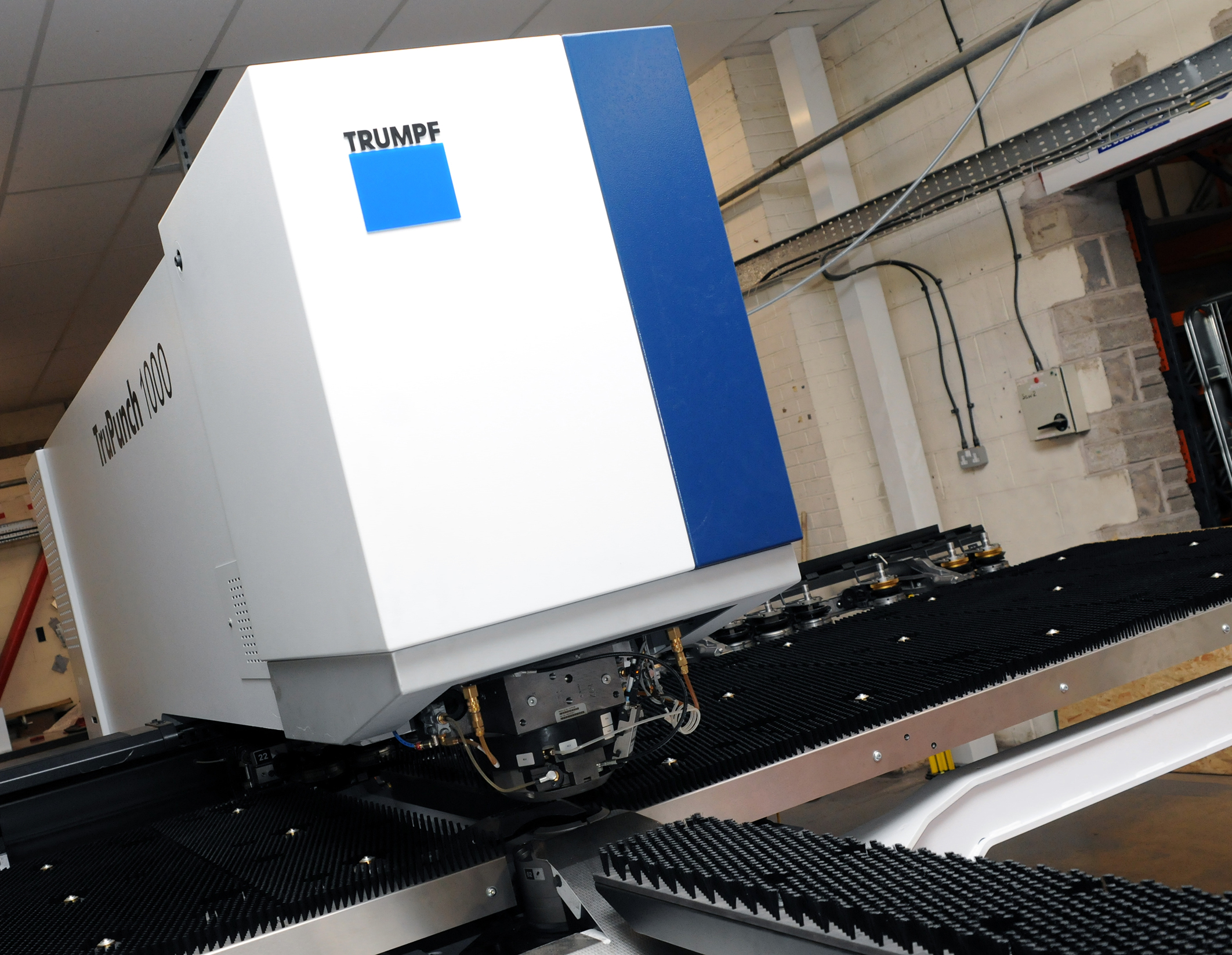
CMD INVESTS £1/4 MILLION IN NEW MACHINE AS PART OF FACTORY UPGRADE

We have invested in a new £1/4m TRUMPF CNC metal punch as part of an asset renewal strategy for our UK manufacturing capability. The new machine will be used in the production of a wide variety of our power distribution systems and workstation power products at our Rotherham factory. Suitable for handling sheet metal between 0.9mm and 3.0mm thick, the new machine will replace one...

Read more
CMD CATALOGUE PROVIDES TECHNICAL POWER DISTRIBUTION GUIDE

CMD Ltd has released a new catalogue, providing an easy to follow technical guide to our power distribution systems and plug and play desk modules. Detailing CMD’s full range of UK-manufactured power distribution systems and plug and play desk modules, the catalogue will be a helpful source of information to M&E engineers and contractors alike to understand how our power distribution systems connect together and...

Read more
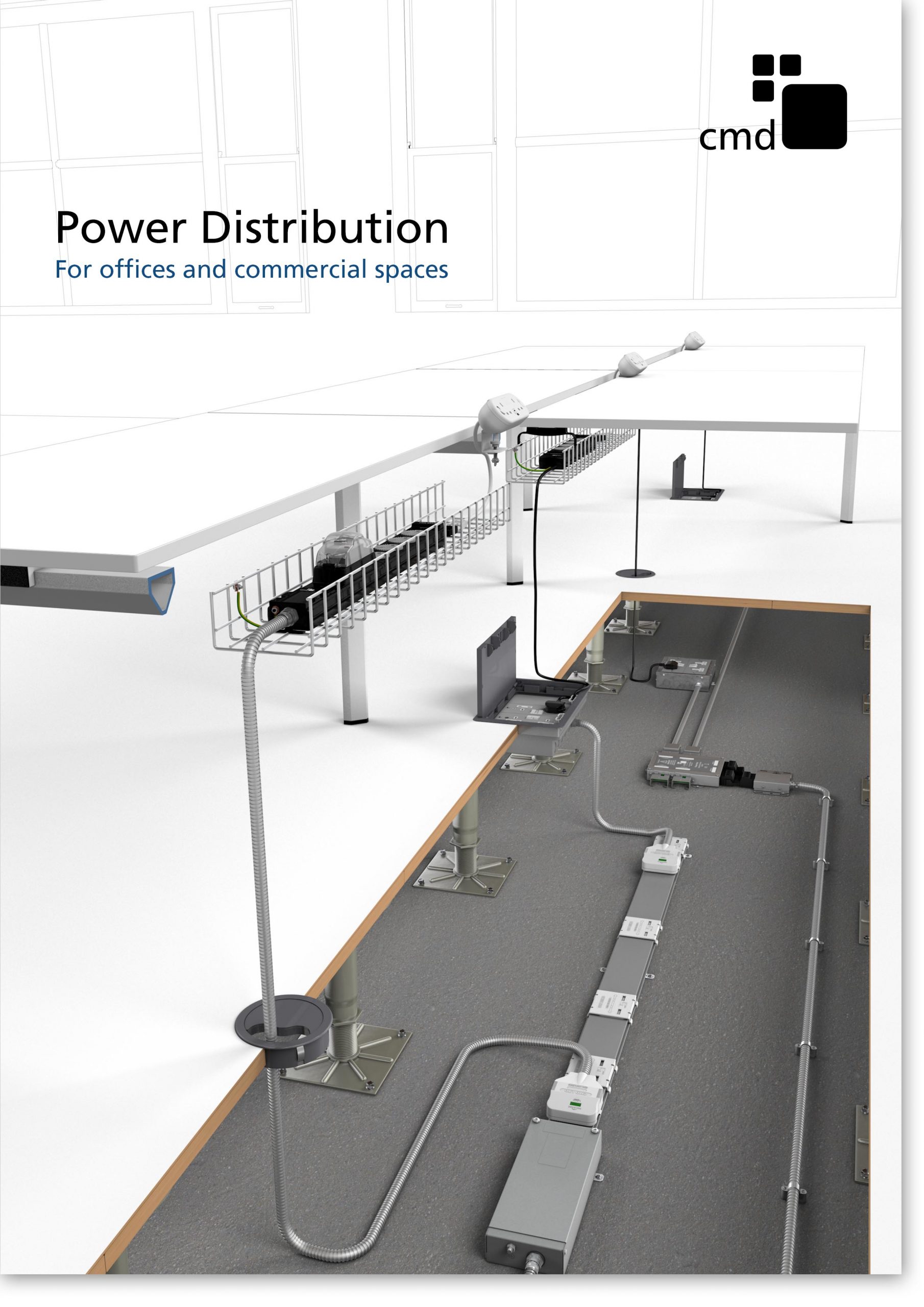
Power Distribution Catalogue
CMD Ltd PLAYS ESSENTIAL ROLE IN ELECTRICAL FIT OUT AT LONDON’S PRESTIGIOUS OFFICE DEVELOPMENT

CMD Ltd, specialist in workplace connectivity and ergonomic solutions, has provided a flexible and high-quality power distribution network for The Ray, a prestigious office development in London’s Farringdon. Well-known for being the former site of The Guardian newspaper, The Ray now stands as an 83,000ft² office development characterised by a modernised warehouse aesthetic, with level two now occupied by a global social media company. The...

Read more

The Ray
CMD plugs in to european opportunity with Schuko Capsule unit launch

CMD Ltd, the specialist in power and connectivity solutions for commercial environments, has launched a Schuko version of its popular fixed format Capsule workstation power module for export to mainland Europe and beyond. A popular on desk power module comprising two sockets and dual USB (type A and C) chargers, CMD’s Capsule unit is already widely specified in the UK as an off-the-shelf workstation power...

Read more
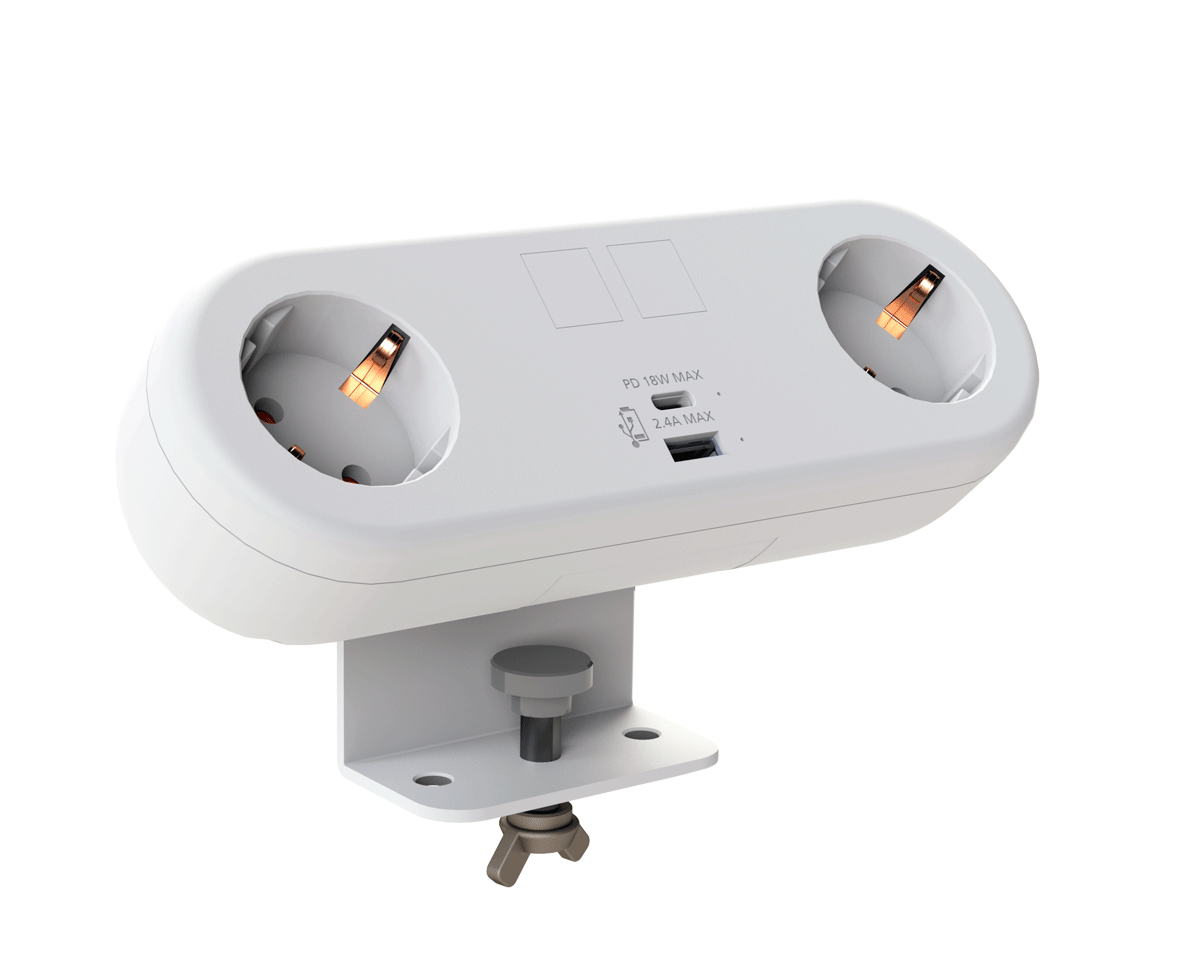
CMD White Schuko Capsule Desk Power Module
CMD LTD EXTENDS MONITOR ARM RANGE WITH THE LAUNCH OF REACH PLUS

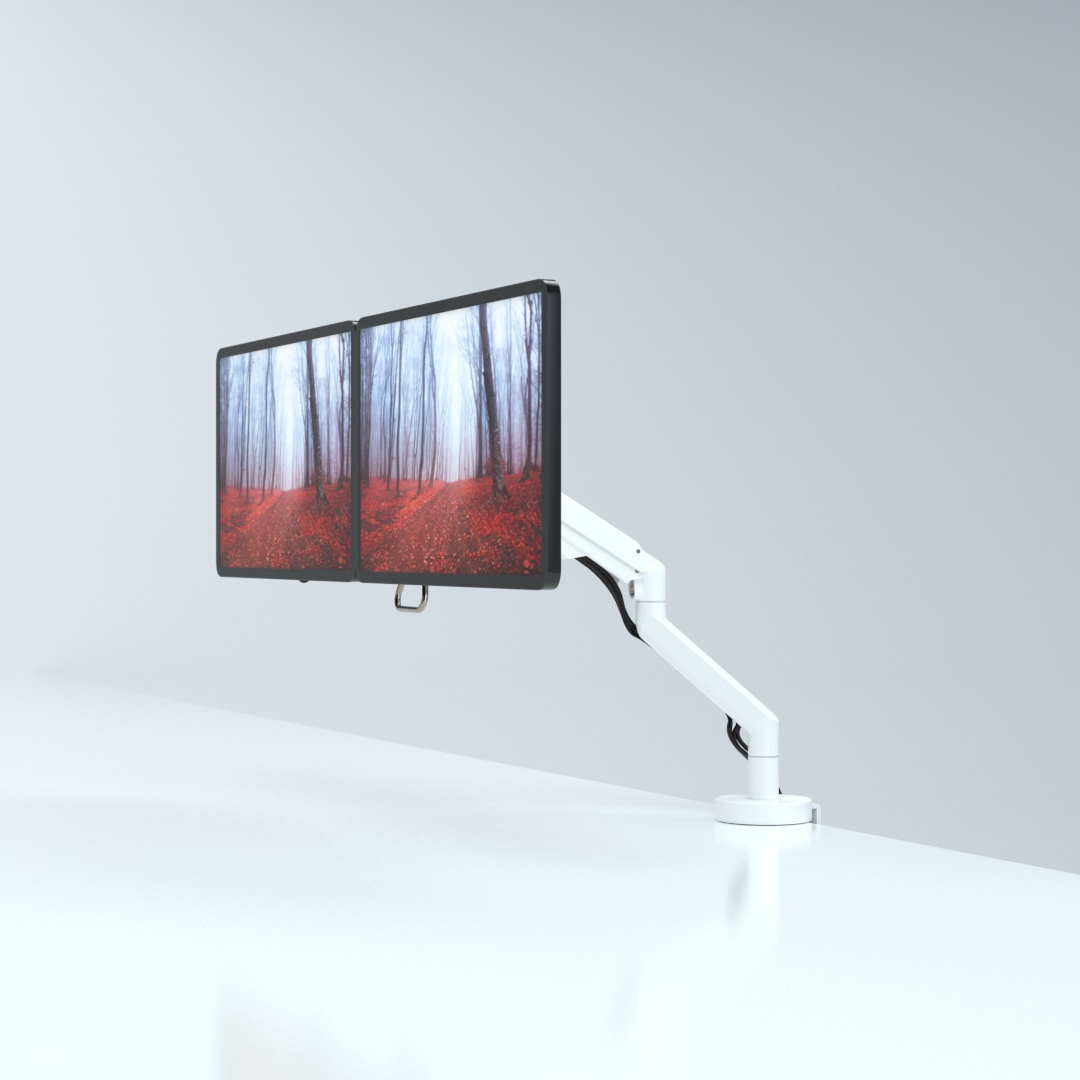
CMD Ltd, the specialist in ergonomic and connectivity solutions for commercial interiors, has completed its Reach monitor arm range with the launch of the Reach Plus. Available in single or dual screen options, the Reach Plus has been designed to provide an ideal solution for both single and dual screen workstation configurations, or can be used with next generation of large format curved screens. Suitable...

Read more
CMD Ltd DEMONSTRATES THE ART OF POWER DISTRIBUTION AT THE UNIVERSITY OF WARWICK

CMD Ltd, the specialist in workplace connectivity and ergonomic solutions, has provided Betatrak busbar power distribution and a range of electrical accessories for two major capital investment projects at the University of Warwick. Designed by Fielden Clegg Bradley Studios, the £33 million Faculty of Arts building is a showpiece development comprising four interconnected structures set around a central atrium, which will enable inter-disciplinary collaboration across...

Read more

University of Warwick
CMD BRINGS HARMONY TO COVENTRY UNIVERSITY RESEARCH FACILITIES

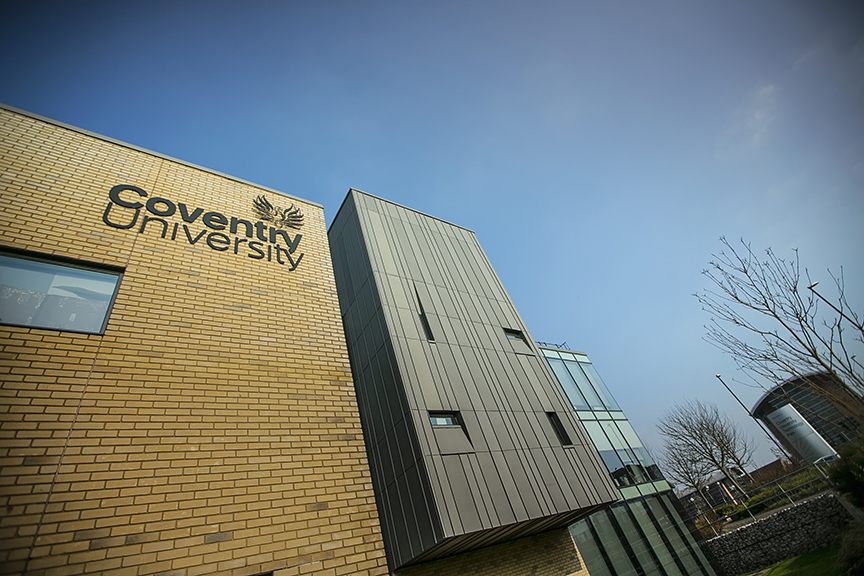
CMD Ltd, the specialist in power distribution solutions and workstation power and ergonomics, has provided under desk and on desk power modules for the refurbishment of three Coventry University research buildings. Located on Coventry University Technology Park, a business park designed to encourage collaboration between the university and knowledge-based businesses, the three buildings are being repurposed as office accommodation for university research teams. The refurbishment...

Read more

Coventry University

How to Choose the Best Android Tablet PC for Your Needs?

When selecting the best ANDROID TABLET PC, the process can be overwhelming. There are countless options, each with unique features. According to tech expert Dr. Lisa Chen, "Choosing an Android tablet PC boils down to understanding your specific needs and lifestyle." This insight guides many in their search for the perfect device.

Understanding your needs is critical. Different users prioritize various aspects like screen size, battery life, and performance. For example, students may seek tablets suitable for note-taking, while gamers might favor performance and graphics. Reflecting on these priorities can help narrow the choices significantly.

Often, users overlook essential specifications. This mistake can lead to disappointment later. Many struggle to balance features and affordability. It's vital to consider both short-term and long-term requirements. Exploring user reviews and expert opinions can further clarify the right choice in the Android tablet PC market.

How to Choose the Best Android Tablet PC for Your Needs?

Understanding Your Usage Needs for an Android Tablet

When choosing an Android tablet, understanding your usage needs is crucial. Data from market research indicates that 60% of consumers use smartphones and tablets for productivity tasks. This includes working on documents, video conferences, or managing emails. If you're focused on productivity, consider a tablet with a large screen and powerful processor. These features help you multitask smoothly.

Entertainment is another major use case. A report shows that approximately 70% of tablet users stream videos or play games. Look for devices with high-resolution displays and good battery life to ensure an enjoyable experience. Features like expandable storage can also add value for media consumption.

Some users may prioritize portability or durability. Tablets that weigh less than 1.5 pounds are often more convenient for travel. Yet, lighter models may compromise performance. Reflecting on the balance between portability and power is essential. Ultimately, knowing how you plan to use your device will help narrow down your choices. It’s not just about features; it’s about finding what works for you.

Key Specifications to Consider When Choosing an Android Tablet

When selecting an Android tablet, key specifications are essential. Start with the processor. A powerful CPU ensures smooth performance for apps, multitasking, and gaming. Look for at least an octa-core processor. This will help run demanding applications without lag.

Next, consider the display. Screen size and resolution matter significantly. A vibrant display enhances the viewing experience for videos and games. Aim for at least a Full HD resolution for sharp images. Size preferences vary; a 10-inch tablet strikes a balance between portability and usability.

Battery life is crucial too. A durable battery can last throughout the day, especially for entertainment or work. Aim for tablets with 8 hours of use on a single charge. Some designs, however, may prioritize aesthetics over battery life, leading to disappointment. Assessing reviews can provide insights into real-world performance. Remember, every choice has its pros and cons, and careful consideration is essential to find the right fit.

Evaluating Display Quality and Battery Life

When choosing an Android tablet, evaluating display quality and battery life is essential. The display is your window to the digital world. A high-resolution screen enhances the experience significantly. According to industry reports, a resolution of at least 1920x1200 pixels is ideal for most users. This ensures vibrant colors and better clarity. However, many tablets offer this resolution, making it crucial to consider other features like brightness and viewing angles. A tablet with poor viewing angles can make it frustrating to share your screen with others.

Battery life is another critical factor. Users often desire long-lasting performance. Research indicates that a tablet should have a battery life of at least 8 to 10 hours for optimal use. Tablets falling short of this mark might not meet daily demands. Frequent charging can be inconvenient and hinder productivity.

Nonetheless, manufacturers are constantly working to strike a balance between display quality and battery efficiency. It is worth reflecting on whether you prioritize a vivid display or extended battery life. Each choice carries implications for your overall experience.

Comparing Operating Systems and Software Compatibility

When choosing an Android tablet, consider the operating system carefully. Not all tablets run the latest version of Android, which can affect software compatibility. For example, a 2023 industry report indicates that nearly 25% of devices still use outdated Android versions. This creates potential security risks and limits access to new apps.

Many popular applications receive updates that might not be compatible with older systems. According to a survey, about 40% of users report frustration due to app incompatibility. For professional work, having the latest software is essential. Businesses require devices that seamlessly integrate with their preferred productivity tools. Using a device with a limited OS can hinder workflow and efficiency.

Moreover, consider how software compatibility extends beyond apps. Many tablets support various file types and productivity suites. However, only a few can handle complex tasks effectively. A tablet that struggles with heavy documents can slow productivity. Always check software support before a purchase. It’s vital to choose a device that aligns with your specific needs and usage patterns.

How to Choose the Best Android Tablet PC for Your Needs? - Comparing Operating Systems and Software Compatibility

Feature Android 11 Android 12 Android 13
User Interface Clean and Responsive More Personalization Options Enhanced Modern Interface
Software Compatibility Compatible with Most Apps Improved App Optimization Latest Apps and Features
Security Features Standard Security Measures Enhanced Privacy Controls Advanced Security Features
Performance Stable Performance Better Resource Management Optimized for Speed and Efficiency
Update Cycle Regular Updates Frequent Security Updates Timely Feature Updates

Budget Considerations and Best Value Options for Android Tablets

When choosing an Android tablet, budget is crucial. Many people overlook this aspect but it plays a significant role. You don’t always need the latest model. Many affordable options deliver great performance. Analyzing your needs helps in narrowing your choices. Will you use it for gaming, reading, or work? Each use case demands different specifications.

Consider tablets with mid-range processors. They often provide a solid experience without breaking the bank. Check the RAM and storage too. Insufficient memory can hinder performance. Look for displays that enhance your experience, especially for media consumption. Battery life is another key factor; a longer-lasting battery increases portability.

It's valuable to check reviews and user experiences. They can highlight potential drawbacks. Budget options may skimp on features. This can lead to frustration over time. It’s essential to balance cost with performance. Avoid the temptation to overspend on features you might not use. A thoughtful approach will yield the best overall value.