

News

Miro: A New Standard in Responsible Innovation

Miro: A New Standard in Responsible Innovation The Miro monitor arm is setting new benchmarks in sustainability. It offers a high-performance solution without compromising on environmental responsibility. Designed with careful material selection, local sourcing, and longevity in mind, Miro’s responsible approach to design and unique manoeuvrability set it apart from the competition. Sustainable Choices Miro is crafted from energy-efficient materials with a lower carbon impact....

Read more
HSE Advisor

Role Purpose Support in the development, implementation and maintenance of the company’s Health, Safety & Environmental policies, processes, operational procedures, and standards.  Ensuring best practice and championing a continually improving HSE culture within the business. Key Responsibilities Liaise with and provide support to all areas of the business to eliminate, mitigate or reduce identified HSE exposures. Partner with the production management team and team leaders,...

Read more
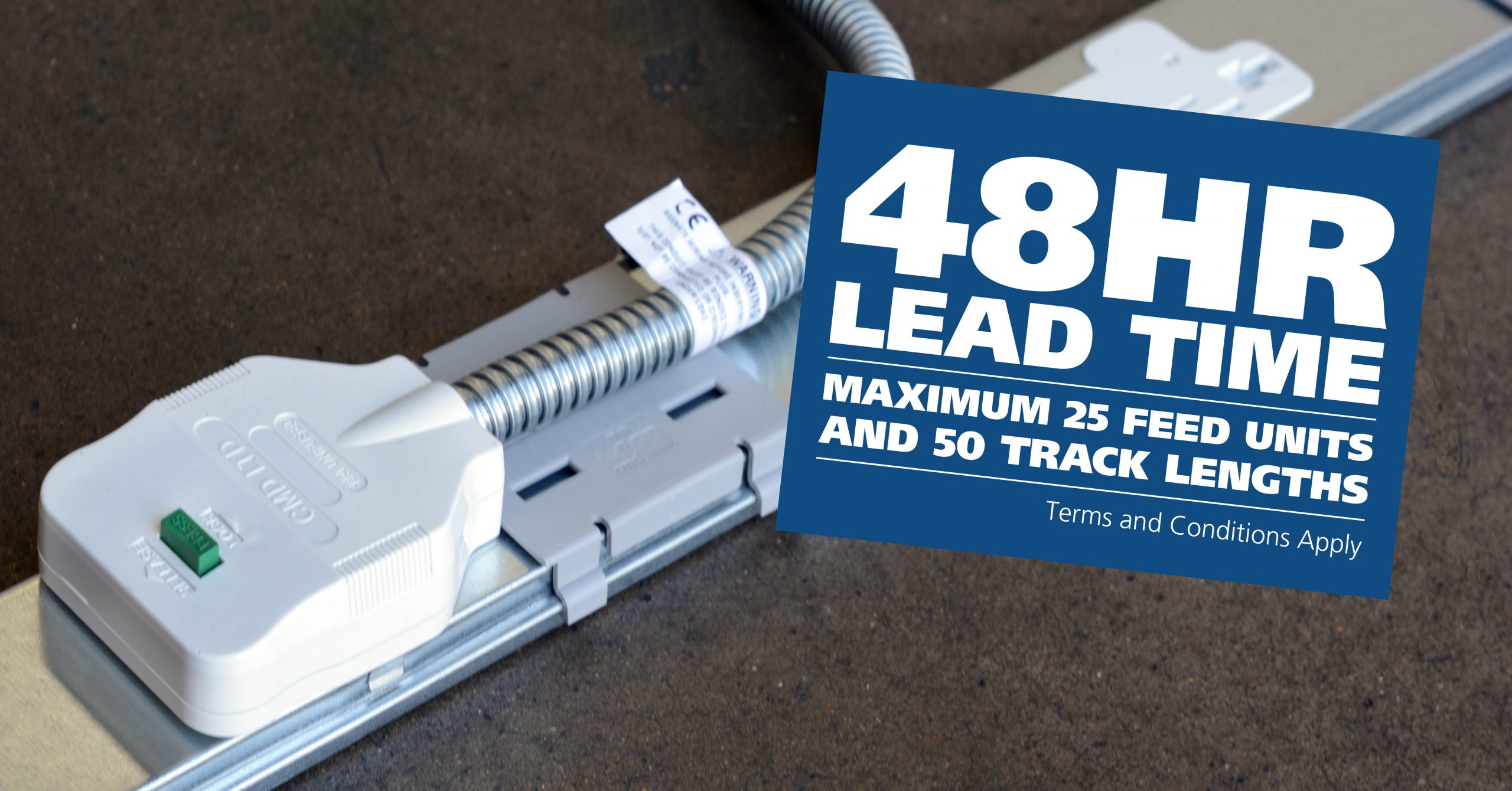
CMD Ltd LAUNCHES 48-HOUR TURNAROUND ON BETATRAK® RAPID ORDERING SERVICE

CMD Ltd, the specialist in power distribution systems, workstation power and monitor arms, has launched a rapid ordering service for its Betatrak® underfloor powertrack distribution systems and accessories, with a commitment to delivering within 48-hours of an approved purchase order*. The service enables customers to order up to 50 lengths of Standard or Clean Earth (C/E) low noise Betatrak, along with up to 25 feed...

Read more
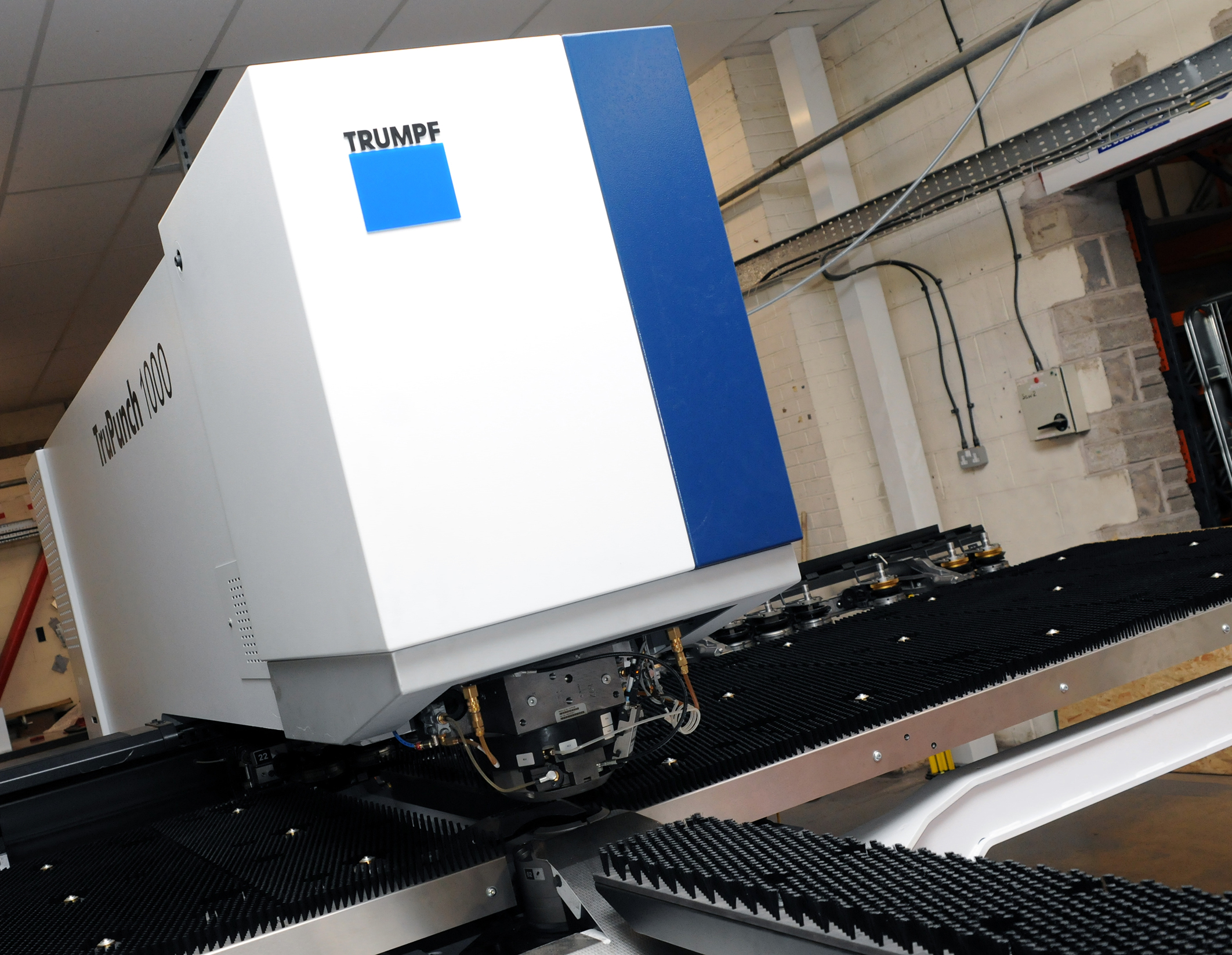
CMD INVESTS £1/4 MILLION IN NEW MACHINE AS PART OF FACTORY UPGRADE

We have invested in a new £1/4m TRUMPF CNC metal punch as part of an asset renewal strategy for our UK manufacturing capability. The new machine will be used in the production of a wide variety of our power distribution systems and workstation power products at our Rotherham factory. Suitable for handling sheet metal between 0.9mm and 3.0mm thick, the new machine will replace one...

Read more
CMD CATALOGUE PROVIDES TECHNICAL POWER DISTRIBUTION GUIDE

CMD Ltd has released a new catalogue, providing an easy to follow technical guide to our power distribution systems and plug and play desk modules. Detailing CMD’s full range of UK-manufactured power distribution systems and plug and play desk modules, the catalogue will be a helpful source of information to M&E engineers and contractors alike to understand how our power distribution systems connect together and...

Read more
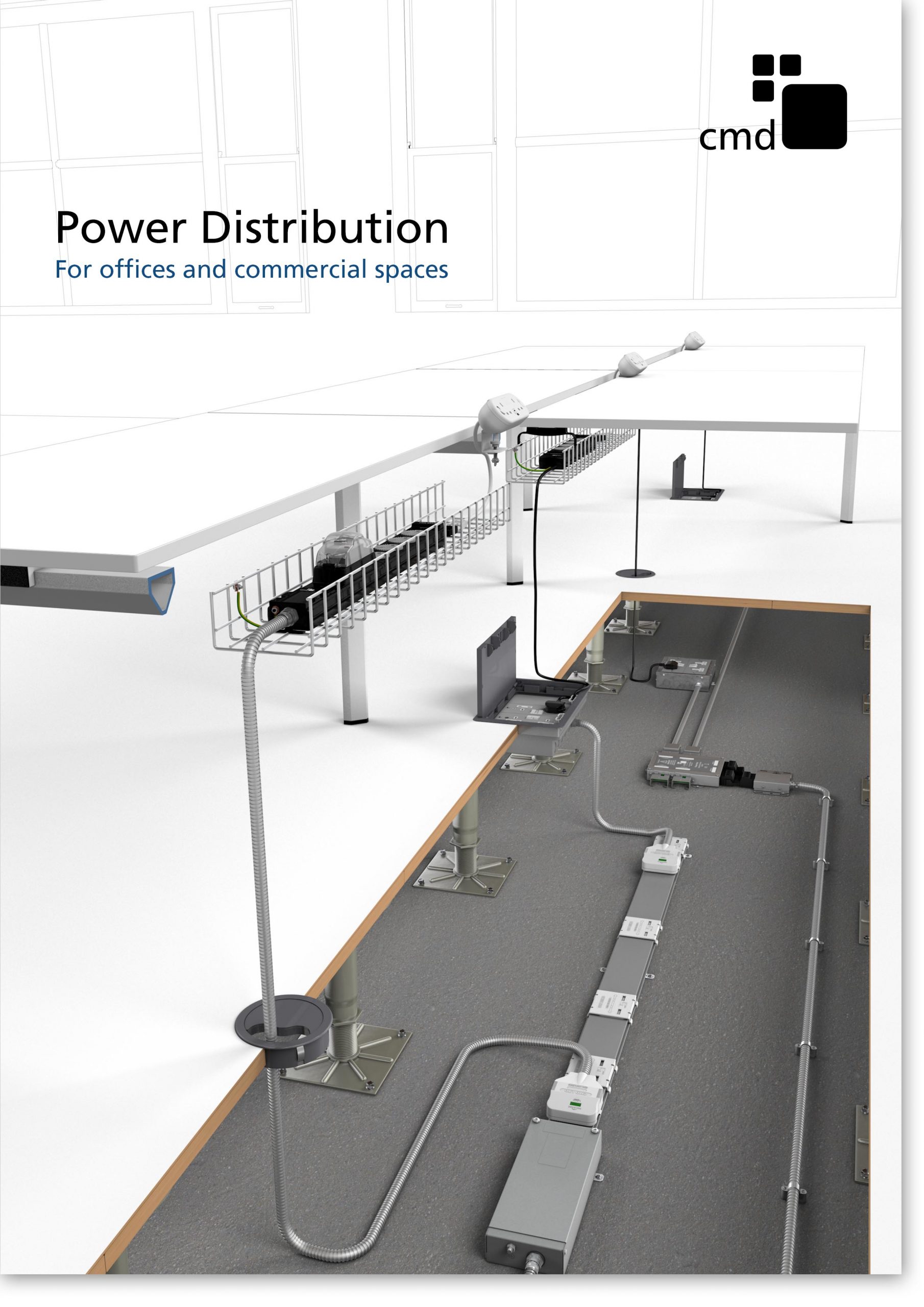
Power Distribution Catalogue
CMD Ltd PLAYS ESSENTIAL ROLE IN ELECTRICAL FIT OUT AT LONDON’S PRESTIGIOUS OFFICE DEVELOPMENT

CMD Ltd, specialist in workplace connectivity and ergonomic solutions, has provided a flexible and high-quality power distribution network for The Ray, a prestigious office development in London’s Farringdon. Well-known for being the former site of The Guardian newspaper, The Ray now stands as an 83,000ft² office development characterised by a modernised warehouse aesthetic, with level two now occupied by a global social media company. The...

Read more

The Ray
CMD plugs in to european opportunity with Schuko Capsule unit launch

CMD Ltd, the specialist in power and connectivity solutions for commercial environments, has launched a Schuko version of its popular fixed format Capsule workstation power module for export to mainland Europe and beyond. A popular on desk power module comprising two sockets and dual USB (type A and C) chargers, CMD’s Capsule unit is already widely specified in the UK as an off-the-shelf workstation power...

Read more
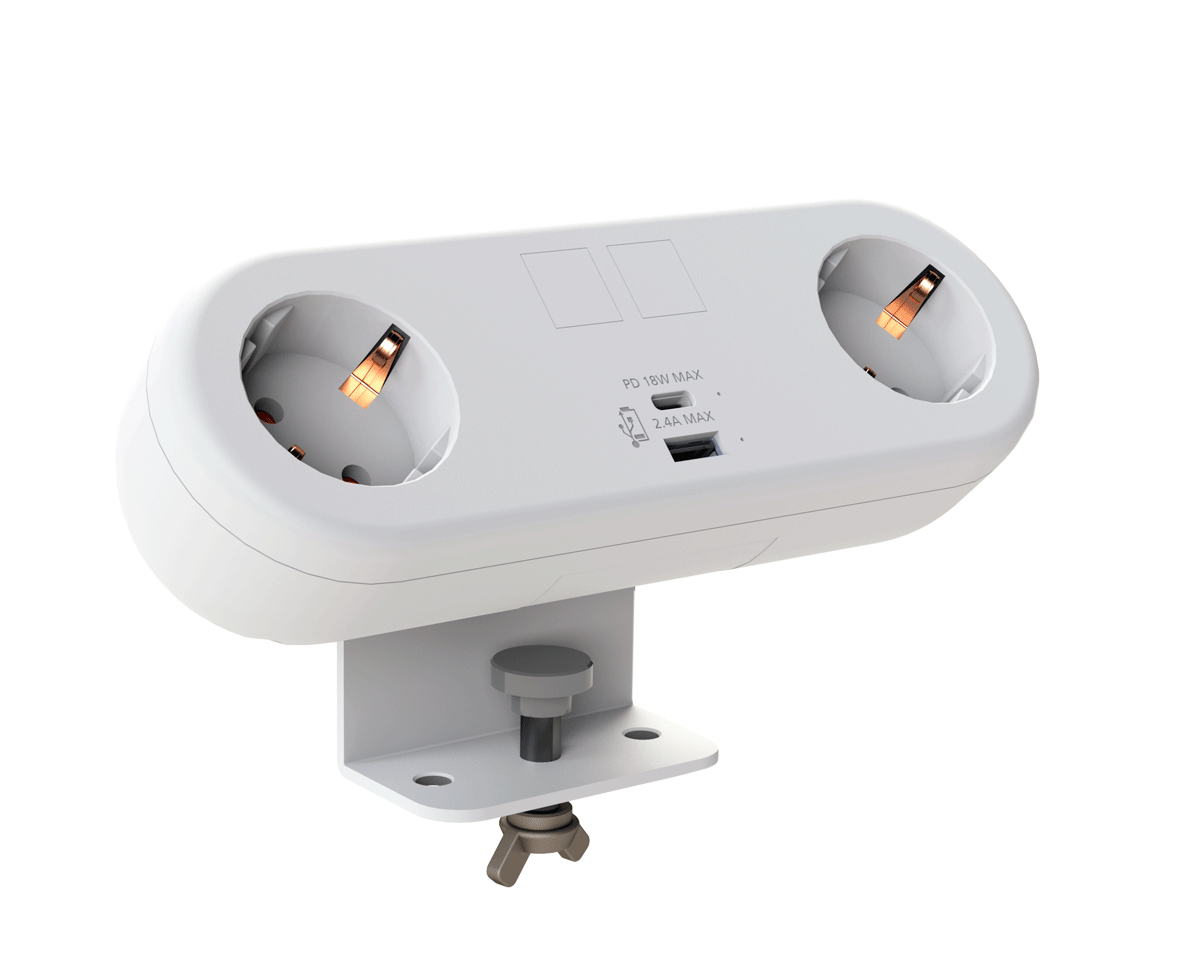
CMD White Schuko Capsule Desk Power Module
CMD LTD EXTENDS MONITOR ARM RANGE WITH THE LAUNCH OF REACH PLUS

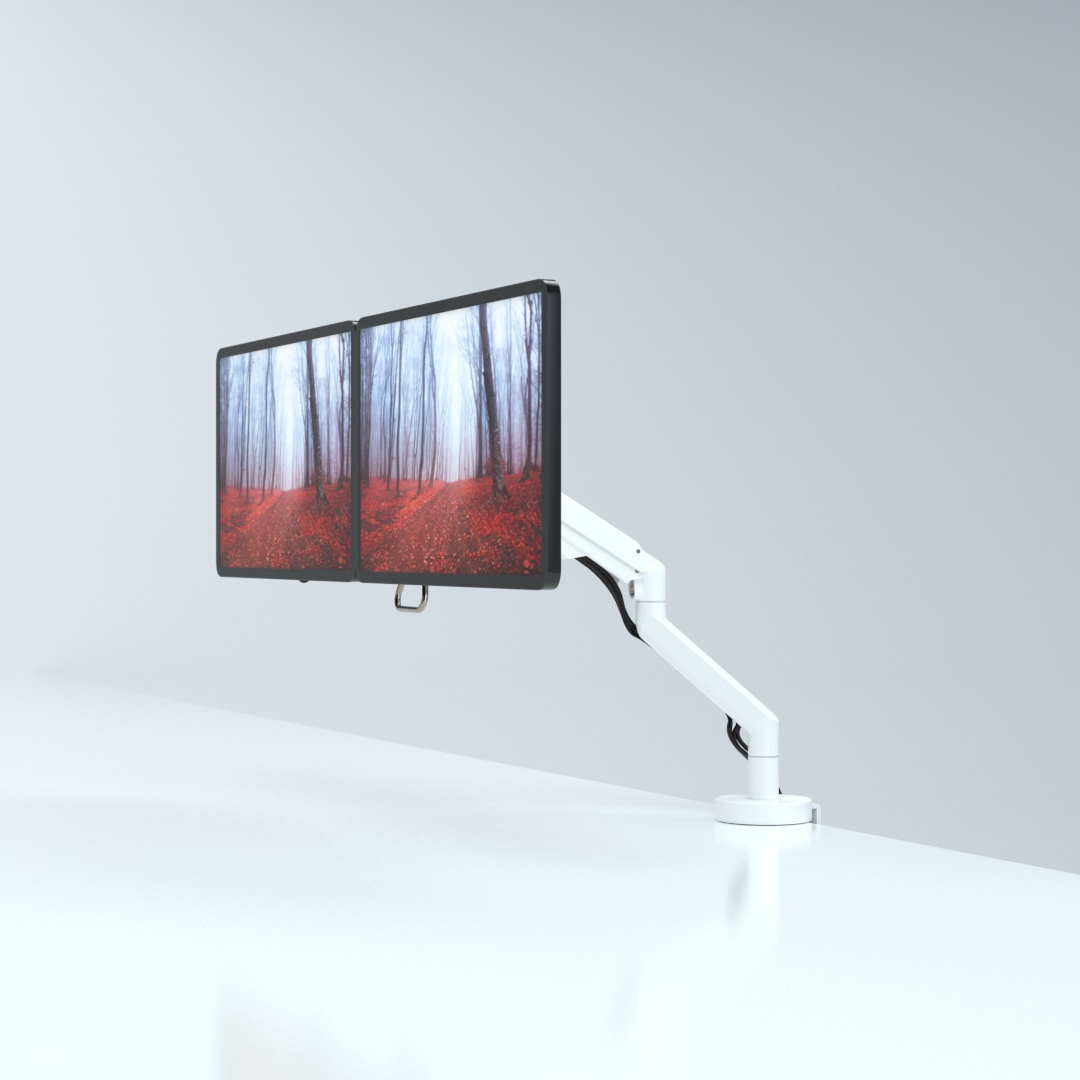
CMD Ltd, the specialist in ergonomic and connectivity solutions for commercial interiors, has completed its Reach monitor arm range with the launch of the Reach Plus. Available in single or dual screen options, the Reach Plus has been designed to provide an ideal solution for both single and dual screen workstation configurations, or can be used with next generation of large format curved screens. Suitable...

Read more
CMD Ltd DEMONSTRATES THE ART OF POWER DISTRIBUTION AT THE UNIVERSITY OF WARWICK

CMD Ltd, the specialist in workplace connectivity and ergonomic solutions, has provided Betatrak busbar power distribution and a range of electrical accessories for two major capital investment projects at the University of Warwick. Designed by Fielden Clegg Bradley Studios, the £33 million Faculty of Arts building is a showpiece development comprising four interconnected structures set around a central atrium, which will enable inter-disciplinary collaboration across...

Read more

University of Warwick
CMD BRINGS HARMONY TO COVENTRY UNIVERSITY RESEARCH FACILITIES

CMD Ltd, the specialist in power distribution solutions and workstation power and ergonomics, has provided under desk and on desk power modules for the refurbishment of three Coventry University research buildings. Located on Coventry University Technology Park, a business park designed to encourage collaboration between the university and knowledge-based businesses, the three buildings are being repurposed as office accommodation for university research teams. The refurbishment...

Read more

Coventry University

Explore the Best Android Dual Screen Cashier Scanner Options?

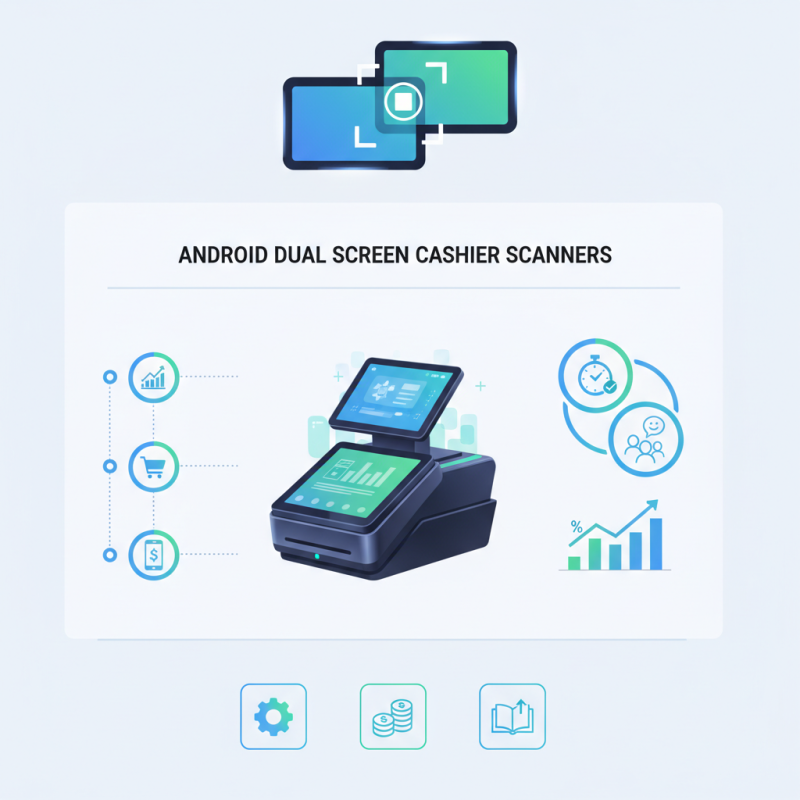
The retail landscape is rapidly evolving, driven by technological advancements. Among these, the Android Dual Screen Cashier Scanner stands out as a pivotal tool for modern businesses. Recent reports indicate a significant shift toward integrated payment solutions, with a projected growth rate of 24% in the mobile payment sector by 2025. This shift emphasizes the need for efficient and user-friendly cashier systems.

The Android Dual Screen Cashier Scanner not only enhances transaction speed but also improves customer experience. Features like real-time inventory tracking and customer engagement options set these devices apart. However, not all models provide the same level of performance or reliability. Businesses must do their homework to select a device that aligns with their operational needs and budget constraints.

It's worth noting that while many products boast innovative features, the learning curve for staff can be steep. Some users may find dual screens distracting initially. Therefore, thorough training is essential for capitalizing on the scanner's capabilities. Investing in the right Android Dual Screen Cashier Scanner can ultimately streamline operations and offer a competitive edge in the marketplace.

Explore the Best Android Dual Screen Cashier Scanner Options?

Overview of Dual Screen Cashier Scanners for Android Devices

Dual screen cashier scanners for Android devices are becoming increasingly popular. They provide enhanced functionality for businesses that require quick and efficient transactions. These scanners allow cashiers to interact easily with customers by displaying crucial information on a second screen. This setup can improve customer experience significantly.

When selecting a dual screen cashier scanner, consider usability. A response time that is too slow can lead to frustration for both the cashier and customer. The positioning of screens matters. Ensure that information is easily visible without causing strain during use. It's crucial to test different models and see which feels most ergonomic.

Tips: Look for devices that offer clear and vibrant displays. Brightness can impact readability in different lighting conditions. Verify connectivity options, as seamless integration with your current system is vital. A reliable support system is essential, too. Regular updates and good customer service can prevent issues down the line.

Finding the right scanner can be daunting. Not all devices suit every business environment. Observe the workflow and understand specific needs before making a choice. Gathering feedback from the staff involved can also provide valuable insights. It’s an ongoing learning process to optimize the transaction experience using technology effectively.

Explore the Best Android Dual Screen Cashier Scanner Options

This chart illustrates the customer satisfaction ratings for various Android dual screen cashier scanner options. Each scanner's rating reflects user experiences and feedback, helping you make an informed decision about which option to explore further.

Key Features to Consider in Dual Screen Cashier Scanners

When exploring Android dual screen cashier scanners, key features become vital. These devices enhance customer interaction and streamline transactions. One critical aspect is the screen resolution. A high-resolution display improves readability for both cashiers and customers. Studies indicate that over 70% of consumers prefer interactive checkout experiences. This preference highlights the need for clarity in displays.

Another important feature is connectivity options. Dual screen scanners that support various payment methods can accommodate more customers. According to industry research, 85% of retailers observe increased sales when diverse payment methods are available. Many customers value the flexibility of payment, which directly affects their shopping experience.

Moreover, ease of use plays a significant role in adoption. Cashiers should operate scanners with minimal training. A study by the Retail Technology Report states that nearly 60% of employees face challenges with complex systems. Simplifying processes can lead to higher efficiency and employee satisfaction. This complexity warrants reflection on the technology design. Balancing advanced features with user-friendly interfaces remains a challenge in the evolving retail landscape.

Top Android Dual Screen Cashier Scanner Models in 2023

In 2023, the market for Android dual screen cashier scanners has surged. This growth is backed by a report indicating that over 45% of retailers favor dual screen technology. It enhances customer interactions during transactions. The two screens allow cashiers to handle payments efficiently while displaying crucial information to customers.

Several models stand out this year. These devices typically feature high-resolution displays for clarity. Many scanners offer intuitive interfaces, making the training process easier for new staff. However, some users report difficulties with software compatibility. Frustrations arise when updates disrupt normal operations. Retailers must account for these challenges during selection.

Additionally, battery life remains a concern. Many dual screen cashier scanners last only a few hours under heavy use. Users often express dissatisfaction when devices cannot survive entire shifts. A reliable dual screen scanner needs to balance performance with endurance. Addressing these issues can significantly enhance customer service in retail environments.

Comparative Analysis of Price and Performance

When selecting an Android dual screen cashier scanner, performance and price are crucial factors. These systems offer a blend of dual screens for users and customers. A well-performing scanner improves checkout efficiency. Price variations can be significant. Some models are premium-priced, but they might not always guarantee superior performance.

Consider the speed and scanning accuracy. A reliable scanner should read barcodes quickly. However, cheaper options may lag in speed. Inaccurate scans can lead to customer frustration. Assessing user reviews can provide insights into real-world performance.

Durability and design also matter. A compact design fits better at checkout counters. Some models struggle with wear and tear. Researching warranty options can help mitigate risks. Being aware of these factors will empower you to make informed choices in the competitive market of dual screen cashier scanners.

User Tips for Maximizing Efficiency with Dual Screen Scanners

Dual screen cashier scanners are revolutionizing the retail experience. These devices boost efficiency by allowing interaction with customers and processing transactions simultaneously. However, to maximize their effectiveness, some user tips can help.

One key tip is to organize your workspace. A clutter-free area allows easy access to the scanner and items for check-out. Position the dual screens at eye level for both you and the customer. This minimizes strain and fosters better communication. Create a responsive environment to enhance the scanning experience.

Training staff is also vital. Provide hands-on demos and encourage practice sessions. Familiarity boosts confidence and improves speed. Allow employees to learn at their own pace; mistakes are valuable learning tools. By fostering a supportive atmosphere, your team can adapt more quickly.

Lastly, monitor your scanner’s performance. Regular maintenance ensures devices run smoothly. Watch for common issues, like poor connectivity or software glitches. Document and address these concerns promptly. Open discussions about challenges can uncover solutions and improve overall efficiency.